all creators

Rourke Sefton-Minns

@rourke · ai tools, video editing

open on instagram

🦋| Creative AI Education 🎯| Creating 100,000 New Jobs For Creatives ✉️| rourkeheath@rakugomedia.com 👇| Build your career in AI

http://genhq.io/

937K followers
16 reels read
84.9x best outlier
20.9x typical
48M views in here
4 Jun 2026 newest

how they make thembroad appeal, fast pacing, visual style, right length, show and tell, setting and light, shot pacing, bold text

rourke sefton-minnsrourkecontent creationvideo editingvisual effectsai video generatorai video editingai toolskling aicontent creatorai promptsphoto editingai videogenerative aivideo tutorialtech newsai video transitiontutorialvideo creationvideo tricksai editingrourke sefton minnsai video tutorialvideo effects

16 reels in the database, most viral first

1

@rourke Rourke Sefton-Minns · 15 Mar 2025

84.9x outlier

A fast list of top AI tools for making photos, videos, and animation.

7.9M views
260K likes
16K comments
8K shares
324K saves
937K followers
43s long
3.3% liked
hookA speaker shows surreal AI art examples that immediately grab attention.
  • Visual style. Dreamy cloud artwork with big text overlay saying AI Tools.
  • Speaker presence. A friendly man in a vest and cap speaks from the bottom corner.
  • Background music. Upbeat background music plays clearly.
  • Text on screen. Big clear names of tools pop up with each example.
  • Broad appeal. Anyone making videos, photos, or digital art will want to watch.
retainThe quick clip format keeps viewers hooked by switching examples every second.
  • Really useful. Each tip solves a real editing or making problem.
  • Fast pacing. The video uses 41 cuts in 43 seconds to stay fast.
  • Visual proofs. Amazing image and video transformations show what each app can do.
  • Clear structure. One plain sentence per tool makes it easy to follow.
  • Ideal length. Packed content fits inside a fast, one-minute format.
rewardViewers learn about useful AI software to boost their creative work.
  • Practical knowledge. You learn specific tools for lighting, lip sync, and animation.
  • Creative inspiration. Wild visual effects inspire new video ideas.
  • Time saved. A full list of useful tools is provided without extra fluff.
rourke sefton-minnsrourkeai toolsai master listai image generatorai video editingmidjourneykling aivigglephoto editingcontent creationai videotech tipsgenerative ai

Here’s my master list for AI content creation 🔥 Drop a “List” down below for links to everything! #AIMasterList #AIVideoCreation #AIImageCreation #AICharacterCreation #AIEcommerce #AIForBusiness #AIContentCreation #GenerativeAI #CreativeAI #AIForCreators #AIMagic #AIWorkflow #AIProductivity #InnovativeAI #TechForCreators #AIStorytelling #SmartAI #FutureOfContent #CreatorEconomy #DigitalCreators #creativetools

watch on instagram
2

@rourke Rourke Sefton-Minns · 15 Dec 2025

67.5x outlier

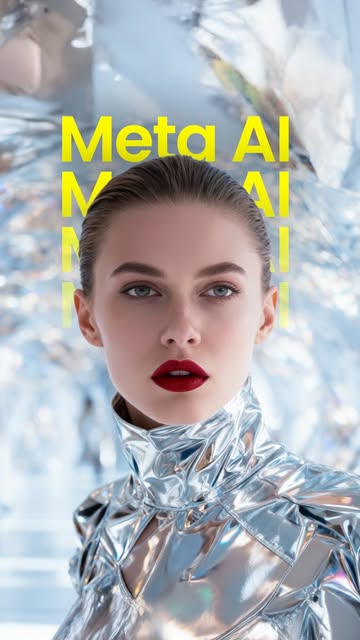
Rourke shows how to use Meta's free AI app to turn yourself into animated characters.

6.3M views
23K likes
1.5K comments
1.1K shares
2.6K saves
937K followers
47s long
0.4% liked
hookA shiny sci-fi character quickly gets your attention before the speaker reveals a free tool.
  • Cool visual. A shiny silver figure stands in a mirror tunnel.
  • Friendly face. A man in a hat speaks from a inset window.
  • Big text. Bright words name a new free Meta AI tool.
  • Wide appeal. Anyone interested in free tech or social media will keep watching.
retainWild examples and clear steps keep viewers watching until the end.
  • Useful tool. The video shows fun examples like turning into a knight or a yeti.
  • Show and tell. Screen recordings show exactly how to use the app.
  • Fast pacing. 29 shots in 46.8 seconds keep the content moving quickly.
  • Simple tutorial. Clear steps show how to add your voice and images.
rewardViewers learn about a free tool and feel excited to make their own videos.
  • New tool. You discover a free app for making talking AI avatars.
  • Creative ideas. You see fun ways to animate yourself with music.
  • Easy guide. You get clear instructions on how to use the features.
rourke sefton-minnsmeta aiai lip syncfree ai toolimage generationavatar videovideo tutorialtech newscontent creationai filterinstagram reeleasy ai tutorialstep by step guide

Meta just dropped FREE Midjourney-image creation and AI Lip Sync 🔥 Comment “AI” for a link Meta now lets you generate Midjourney-style images and videos for free and sync them to music or your own custom voice recordings. You can create animated characters, music-driven visuals, talking avatars, and full AI content without paying a penny. #MetaAI #MidjourneyAI #AILipSync #AIForCreators #GenerativeAI

watch on instagram
3

@rourke Rourke Sefton-Minns · 23 Jan 2026

60.6x outlier

A creator explains how to generate smooth AI video transitions using a new set of online tools.

5.6M views
19K likes
7.4K comments
7.3K shares
9K saves
937K followers
51s long
0.3% liked
hookA flashy AI casino video combined with a bold question makes viewers pause to see if it is real.
  • Host appearance. A friendly bearded man in a blue baseball cap points upward at a video screen.
  • Setting and light. The host sits in a bright room while dramatic casino graphics flash above him.
  • Background audio. Driving electronic music builds excitement right away.
  • Onscreen text. Bold text asks if the video on screen is really made with AI.
  • Broad audience. Video editing and AI tools appeal to a massive online audience.
retainThe clear step by step guide keeps creators watching so they can learn the full workflow.
  • Useful demonstration. The tutorial shows practical steps to build custom AI video clips.
  • Shown on screen. The host clicks through the actual website menus so viewers see every step.
  • Upbeat presentation. The creator speaks clearly and stays energetic throughout the video.
  • Shot pacing. The video has 5 shots over 51.4 seconds giving each step enough time to be understood.
  • Clear progression. The workflow moves logically from creating photos to making smooth video transitions.
  • Matched duration. The fifty second length fits the tutorial without wasting time.
rewardViewers learn how to build AI video transitions and gain access to a free prompt guide.
  • New knowledge. Viewers discover fresh AI tools for making images and video clips.
  • Creative inspiration. Creators feel excited to try making custom transitions for their own projects.
  • Helpful resource. Viewers get a simple way to receive a free PDF full of prompts.
rourke sefton-minnsrourkeartlist ai toolkitai video transitiontutorialvideo editingai generatorvideo creationkling aivideo promptscontent creator tipsvisual effects

Comment “AI” for all the prompts! The Artlist AI Toolkit lets video creators generate images, videos, and creative assets inside a single platform, making it easier than ever to experiment, iterate, and push your content to the next level. It’s built for creators who want higher-quality AI visuals, faster workflows, and more creative freedom without juggling multiple tools. #ArtlistAI #AIToolkit #AIVideoCreation #CreativeAI #GenerativeAI

watch on instagram
4

@rourke Rourke Sefton-Minns · 6 Mar 2026

50.8x outlier

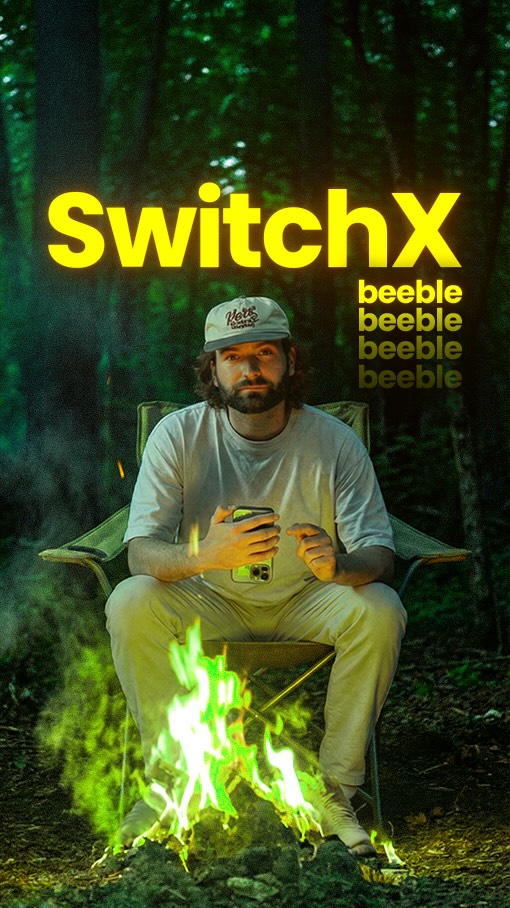
A man shows how to use a new AI tool to change video backgrounds, lighting, and clothes.

4.7M views
119K likes
20K comments
66K shares
87K saves
937K followers
47s long
2.5% liked
hookViewers stop scrolling to see a man instantly swap video backgrounds using AI tools.
  • Visual style. Split screens show alpha masks, cool edits, and original video.
  • Audio track. Clear speaking over energetic, simple background music.
  • Broad appeal. Anyone interested in video editing or AI tricks will stop to watch.
retainPeople watch to the end because the tutorial gives clear, simple steps with quick visual proof.
  • Clear visual proof. The tool steps are shown on screen instead of just spoken.
  • Fast pacing. The video has 8 shots in 47.0 seconds, moving quickly between steps.
  • High value. The AI tool looks easy to use and very practical.
  • Simple steps. The video follows a clear path from start to finish.
  • Good match. The length fits the simple tutorial idea well.
rewardViewers learn about a helpful AI tool and feel excited to try editing videos.
  • Taught something. Viewers learn how to change lighting and backgrounds in video.
  • Feeling inspired. Creators feel motivated to try the tool on their own clips.
  • Clear direction. Viewers know how to get the link by leaving a comment.
rourke sefton-minnsbeeble aivideo editingai toolsbackground replacementvideo relightingcontent creationtutorialvideo tricksai editingswitch xvisual effectsediting app

This AI tool is the best method to re-light videos right now 🚀🔥 Comment “AI” to try it yourself! @beeble_ai Beeble’s AI relighting technology allows you to change the lighting of a scene after it’s filmed, giving creators full control over mood, shadows, and cinematic lighting in post-production. It’s an incredibly powerful tool for filmmakers, editors, and creators looking to elevate their visuals. #BeebleAI #AIRelighting #AIVideoEditing #CreativeAI #GenerativeAI

watch on instagram
5

@rourke Rourke Sefton-Minns · 12 Jan 2025

46.8x outlier

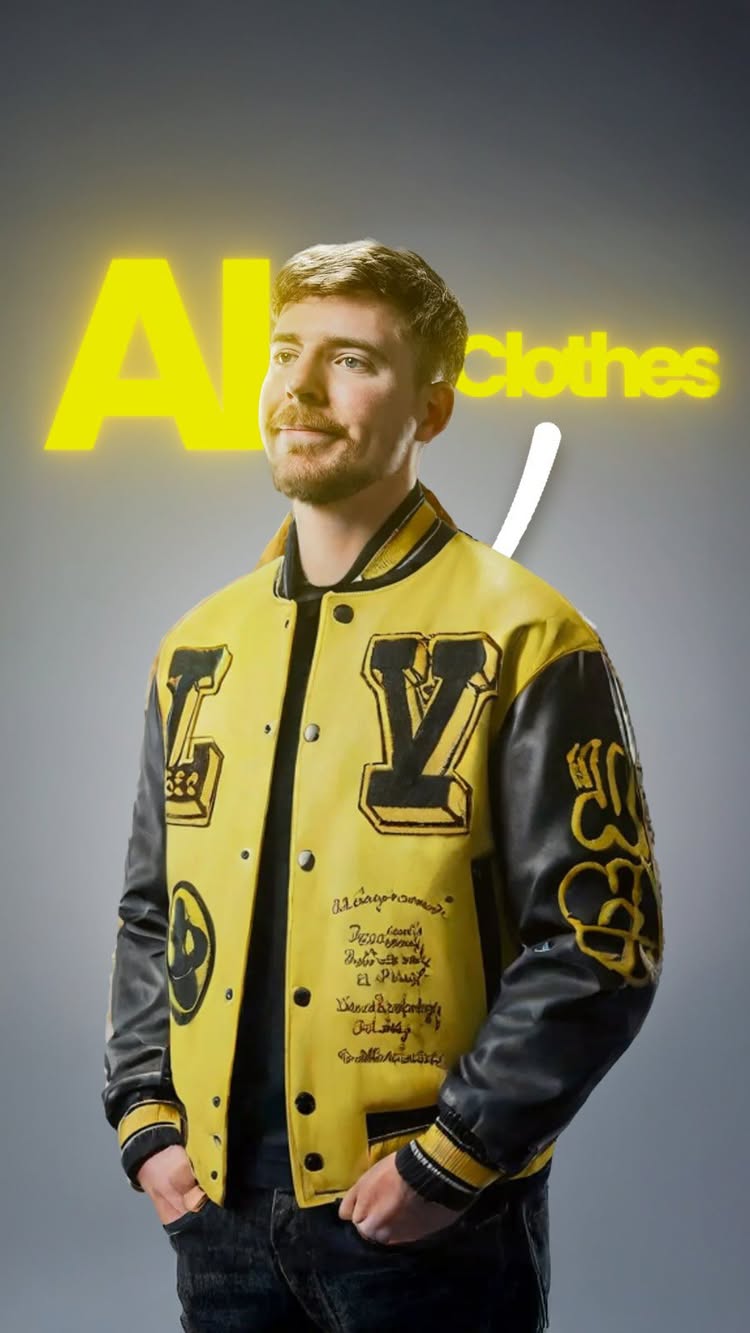
A host shows how to use a free web tool that changes clothes on photos in seconds.

4.3M views
102K likes
66K comments
0 shares
0 saves
937K followers
19s long
2.4% liked
hookA fast demonstration showing a famous creator's jacket changing outfits catches your eye right away.
  • Visual trick. Clothes on screen change automatically while a cursor clicks across the picture.
  • Host presentation. A man in a white hat and sweater talks from a warm room below the demo.
  • Clear audio. The speaker talks in a friendly tone over his clear microphone.
  • Bold text. Big white letters appear over the top image to capture interest.
  • Broad topic. Anyone who makes video graphics or wants cool photos will want to see this.
retainStep by step instructions paired with real screen captures hold attention to the end.
  • Useful tool. The video shows how easy it is to put high end clothes on your photos.
  • Clear demonstration. The host uploads a portrait and a jacket to show how the tool works.
  • Energetic host. The presenter points up at the screen with clear body language.
  • Pacing speed. The video uses 5 shots across 18.7 seconds, switching scenes every 3.7 seconds.
  • Essential props. The computer screen showing the website is needed to explain the trick.
  • Simple story. The clip starts with cool results, shows the steps, and tells you where to find it.
  • Right duration. Under twenty seconds is just enough time to explain a single online trick.
rewardViewers learn about a free online tool to change clothes on photos for content creation.
  • Learned something. Viewers discover a free website that swaps outfit images cleanly.
  • Feeling inspired. Creators get new ideas for making cool video thumbnails faster.
  • Action step. Viewers know what word to type in the comments to receive a link.
rourke sefton minnsartificial intelligencephoto editingthumbnail designervirtual fashionfree toolsclothing swaphuggingfacedigital designphoto trickcreator tipsoutfit editor

How to wear any clothes for free with AI 👏 Comment “AI” to get a link! 🔗 #VirtualTryOn #AIClothing #YouTubeThumbnails #AIForCreators #GenerativeAI #CreativeAI #ThumbnailDesign #FashionWithAI #AIMagic #VirtualStyling #ContentCreatorsUnite #DigitalFashion #AIEditingTools #CreatorEconomy #FashionTech #AIForDesigners #ThumbnailCreation #DesignWithAI #TechForCreators #AIStyleTools #mrbeast

watch on instagram
6

@rourke Rourke Sefton-Minns · 7 Jun 2025

40.3x outlier

A creator shows how to use AI tools to turn simple sketches and home videos into movie scenes of yourself.

3.7M views
131K likes
8.2K comments
6.7K shares
136K saves
937K followers
54s long
3.5% liked
hookThree horizontal panels showing a sketch, an AI video, and a real video hook the viewer instantly.
  • Visual setup. Three stacked videos show a drawing, a finished scene, and a home clip.
  • Clear light. Bright room lighting makes the creator easy to see.
  • Voiceover audio. The host speaks clearly while background music plays softly.
  • Broad subject. AI video editing appeals to anyone who makes online content.
retainThe clear step-by-step screen tutorial keeps viewers watching to learn the full method.
  • Show and tell. Real screen recordings prove how the software works.
  • Step-by-step structure. The host guides you through each click in order.
  • Fast pacing. There are 18 shots in 53.5 seconds, changing every 3.0 seconds.
  • Friendly energy. The creator stays enthusiastic and easy to follow.
rewardViewers learn a practical way to make custom AI video clips using cheap online tools.
  • Useful skill. You learn how to combine Runway AI and Luma Dream Machine.
  • Creative ideas. You see how easy it is to put yourself into any scene.
  • Budget friendly. You learn how to make cool effects for a small monthly fee.
rourkeai video tutorialrunway ailuma dream machineai video editingconsistent ai charactercreative ai toolsmake ai videosvideo creation tipsscreen recording tutorial

Luma’s new AI video update is wild 🔥 Comment “AI” for a link! #LumaAI #ModifyVideo #StyleTransferAI #RunwayGen4 #ConsistentCharacters #AIVideoEditing #GenerativeAI #CreativeAI #AIForCreators #AIMagic #AIContentCreation #SmartAI #NextGenVisuals #DigitalCreators #InnovativeAI #TechForCreators #AIVisualEffects #AIStorytelling #FutureOfContent #CreatorEconomy

watch on instagram
7

@rourke Rourke Sefton-Minns · 24 May 2026

37.3x outlier

A presenter shows off cool AI video edits using split screen examples.

3.5M views
152K likes
11K comments
90K shares
48K saves
937K followers
49s long
4.4% liked
hookThe top and bottom comparison immediately shows impressive visual changes that catch your eye.
  • Casual look. A man in a white tee and cap sits in a hotel room.
  • Hotel setting. Bright indoor lighting fills a neat room.
  • Upbeat voice. Clear audio explains the new AI video tool.
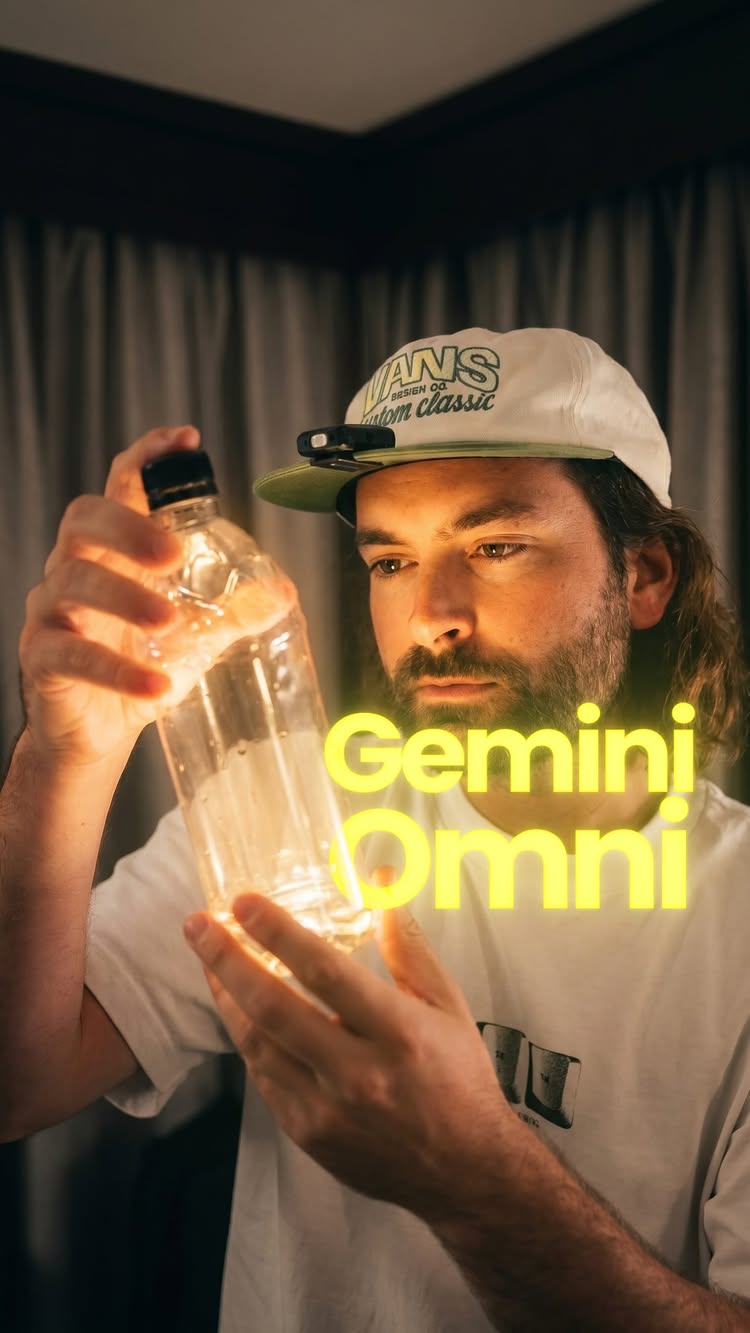
  • Bold text. Big colorful text at the top names Google Omni.
  • Wide reach. AI tools appeal to creators and everyday tech users.
retainNew AI edits happen every few seconds to keep viewers watching.
  • Cool edits. A lion, a giant bone, and water bottles appear on screen.
  • Show not tell. Split screen proves how the AI alters the clip.
  • Friendly style. The host speaks with excitement and clear gestures.
  • Two shots. There are 2 shots in 48.6 seconds, with a cut at 46.8 seconds.
  • Simple props. A water bottle and sofa help demonstrate edits.
  • Easy order. The demo moves step by step through each edit.
  • Right length. The video delivers fast examples without slowing down.
rewardViewers discover new AI tools for easy video editing.
  • Taught something. Viewers see how AI edits objects in video.
  • Inspired feel. Creators learn about fresh tools for making content.
  • Amazed mood. The realistic edits look like real magic.
rourke sefton-minnsrourkeai video editinggoogle omnigoogle geminitech demovideo tricksai editingcontent creatorvideo effectsmagic editsviral techfuture tech

Google Gemini Omni is widely underrated 🔥 Comment “AI” to try Omni on Google flow today @googlegemini @google @googledeepmind Gemini Omni lets you edit video and images through plain conversation, reshaping scenes, swapping objects, changing angles and actions while keeping characters and physics consistent across every turn. This is just the Flash model, so it’s only going to get better, and it’s already fast and seriously effective for creators, filmmakers, and marketers. #GeminiOmni #GoogleAI #AIVideoEditing #CreativeAI #GenerativeAI

watch on instagram
8

@rourke Rourke Sefton-Minns · 13 Jan 2026

25.5x outlier

A presenter demonstrates how to build lifelike AI videos for free using a multi-step online tool.

2.4M views
77K likes
49K comments
67K shares
85K saves
937K followers
58s long
3.2% liked
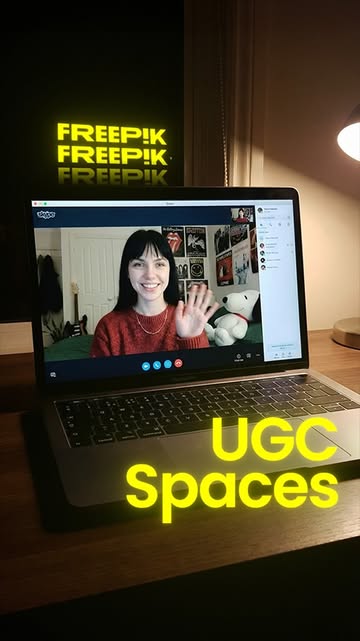
hookA girl who looks real talks directly to the viewer before revealing she is made by AI.
  • Human face. A young woman waves from her bedroom setting.
  • Bold text. Text says AI is getting too realistic.
  • Calm audio. The girl speaks softly about the time of day.
  • Broad appeal. Anyone interested in new tech or AI will stop to look.
retainThe video reveals how the AI character was built and offers the full guide for free.
  • Surprising visual. The AI girl puts on makeup to show how she was created.
  • Clear steps. The presenter shows screen grabs of the software in action.
  • One take. The full video is 1 unbroken take lasting 57.8 seconds.
  • Useful props. Screen captures display exact text prompts and software tools.
  • Easy flow. The lesson moves smoothly from the reveal to the free offer.
rewardViewers learn the steps needed to generate realistic video avatars on their own.
  • Taught something. Viewers see how to pair image tools with video generators.
  • Inspired feeling. Creators feel motivated to test these free AI video tools.
  • Clear reward. Viewers learn how to get the step-by-step guide in the comments.
rourkerourke sefton-minnsai video generatorultra realistic aifreepik spacesgoogle veo 3.1ai makeup tutorialtech workflowvideo creation guideartificial intelligence workflow

How to make ultra realistic AI videos 😳 Comment “AI” for the entire workflow for free! Original credit for this workflow concept to @eugenio_fierro who’s an incredible senior art director. Freepik Spaces lets you create highly realistic UGC-style AI videos at scale, perfect for ads, social content, and performance marketing. You can generate consistent characters, products, and scenes, making it an incredibly powerful workflow for brands and marketers who want authentic-looking content without filming. #FreepikSpaces #AIUGC #AIVideoCreation #AIMarketing #GenerativeAI

watch on instagram
9

@rourke Rourke Sefton-Minns · 18 Dec 2025

16.3x outlier

A creator shows how to use a new AI tool that turns simple home videos of yourself into cinematic movie scenes.

1.5M views
10K likes
1.8K comments
5.5K shares
6.3K saves
937K followers
56s long
0.7% liked
hookThe opening shows a dramatic split screen where a man screams and transforms into a cracking stone monster.
  • Face and expression. A young man screams into the camera with wide eyes and a cap on.
  • Split screen visuals. Below his face, the video turns him into stone and glass versions of himself.
  • Exciting audio. Upbeat energetic music plays immediately to build excitement.
  • Broad audience appeal. Anyone curious about tech or video editing will want to see what this tool can do.
retainViewers keep watching because the creator shares impressive transformations and then gives a step by step guide.
  • Cool visuals. The video shows wild character swaps like a giant alien, a war soldier, a werewolf, and a cyberpunk shooter.
  • Fast pacing. There are 10 shots across 56.3 seconds, switching views about every 5.6 seconds to keep energy high.
  • Clear instructions. The screen shows the exact buttons to press and images to upload in the app interface.
  • Simple prompt. The creator asks viewers to leave a comment to get a direct link to the tool.
rewardViewers learn a practical way to turn basic home videos into high quality special effects.
  • Taught something new. Viewers discover a simple method for adding special effects to live footage.
  • Inspired to create. Video editors get fun ideas for making their own sci-fi or fantasy clips.
  • Excited for tech. People feel amazed at how quickly AI video editing tools are getting better.
rourke sefton-minnsluma aiai video generatorvideo editing tutorialvisual effectsai filmmakingcharacter redesignmotion capturetech newsvideo editing softwarecreative tools

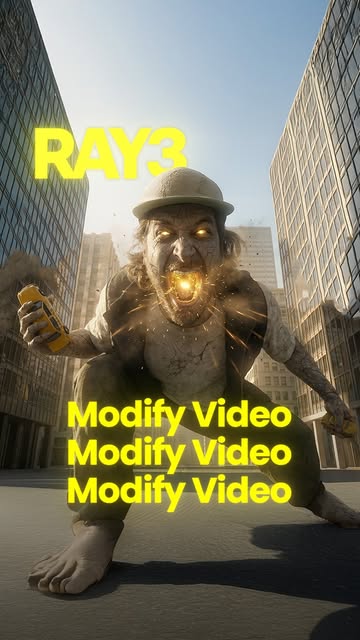
Luma just updated their “Modify Video” feature that allows you to act out any scene! Comment “AI” for a link Modify Video allows you to record a live-action performance and then apply AI style transfer on top, replacing backgrounds, characters, and entire visual worlds while keeping your original motion. This is a huge leap for AI filmmaking, visual effects, and creative storytelling without complex VFX pipelines. #LumaLabs #ModifyVideo #AIVideoEditing #AIStyleTransfer #creativeai

watch on instagram
10

@rourke Rourke Sefton-Minns · 19 Dec 2025

15.7x outlier

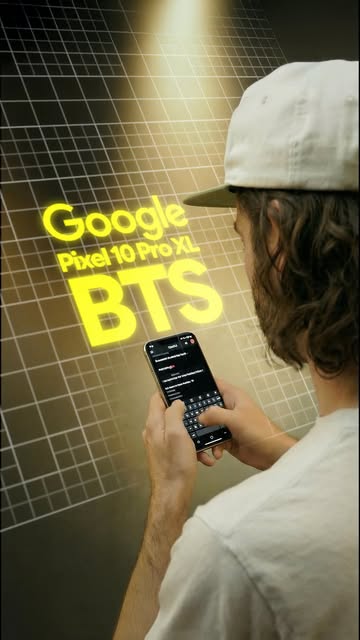
A tech creator demonstrates how the Google Pixel 10 uses Gemini and Veo 3 to generate AI videos from text and images.

1.5M views
7.3K likes
755 comments
1.3K shares
1.3K saves
937K followers
35s long
0.5% liked
hookA glossy shot of a futuristic smartphone combined with upbeat music stops viewers in their feed.
  • Visual style. A sleek metallic phone floats under dramatic studio lighting.
  • Upbeat music. Energetic electronic music plays immediately.
  • Text graphic. Bold logos and text introduce the new phone model.
  • Broad appeal. New smartphone features and AI tricks interest a wide audience.
retainFast screen demos and vivid AI video examples keep viewers watching to see what the phone can do.
  • Useful features. The video shows real examples of text and images turning into AI clips.
  • Fast editing. The clip cuts 18 times across 19 shots in 35.0 seconds to maintain high energy.
  • Clear presentation. The creator speaks directly to the camera and explains the feature step by step.
  • Key props. Showing the phone interface makes the AI tool look easy to use.
rewardViewers learn how to generate AI videos on a mobile phone using Google tools.
  • New knowledge. You learn that Gemini and Veo 3 can generate video on the Pixel 10.
  • Creative ideas. You get inspired to create your own AI video clips.
  • Product interest. You feel curious to test out the new phone features.
rourke sefton-minnsrourkegoogle pixel 10pixel 10 progoogle veo 3gemini 3ai video generatortech reviewsmartphone techai toolsvideo creationmobile videotech showcase

Ad | Veo 3 on the Google Pixel 10 turns your phone into an AI video studio 🔥 Comment “AI” for a link to learn more The Pixel 10 ships with Google Veo 3.1 and Google Gemini built in, meaning you can generate AI videos directly from your mobile phone. From cinematic clips to creative storytelling and marketing content, this unlocks true on-the-go AI video creation without needing a desktop workflow. #GooglePixel10 #GoogleVeo3 #GeminiAI #AIVideoCreation #CreativeAI”

watch on instagram
11

@rourke Rourke Sefton-Minns · 6 Jan 2026

15.2x outlier

A creator shows how to use AI and video editing software to make a camera zoom inside a product.

1.4M views
42K likes
16K comments
28K shares
45K saves
937K followers
53s long
3.0% liked
hookThe video starts with an impressive visual of a phone camera zooming into an internal circuit.
  • Host appearance. A man wearing a cap sits in front of his computer.
  • Setting and light. Soft studio light illuminates a cozy home room.
  • Upbeat music. Energetic background music plays softly.
  • On screen text. Large white labels show prompt instructions and titles.
  • Broad appeal. Tech fans and video creators will both find this useful.
retainClear step by step instructions keep the viewer watching until the final result.
  • Useful idea. The tutorial teaches a clever effect that saves huge VFX budgets.
  • Shown visually. Screen recordings show exactly which buttons to press.
  • Friendly mood. The creator speaks clearly and with excitement.
  • Shot count. The video is 1 unbroken take, no hard cuts, 52.6 seconds long.
  • Key props. Software screen grabs are necessary to follow along.
  • Simple steps. The process follows a clear path from start to finish.
  • Right length. The fast explanation fits the short format well.
rewardViewers learn how to make a fancy product transition using free AI tools and editing software.
  • Taught a skill. Viewers learn time remapping and AI video prompts.
  • Inspired to make. Content creators want to try the effect on their own products.
  • Satisfying result. Watching the smooth camera flythrough feels rewarding.
rourkevideo editing tutorialai video transitionafter effects tutorialgoogle veo 3 promptproduct commercialspeed ramp tutorialcontent creation tipsvisual effects trick

How to create this transition using AI 🎉 Comment “AI” for a link to all the prompts! In this video, we use AI video generation and visual effects to create a seamless transition shot that takes you inside a product — something that would normally require insane budgets, VFX teams, and 3D pipelines. This workflow is perfect for next-gen advertising, product storytelling, and high-impact creative content using AI. #AITransitions #AIVideoEffects #AIProductVideos #CreativeAI #AIMarketing

watch on instagram
12

@rourke Rourke Sefton-Minns · 5 Feb 2026

13.1x outlier

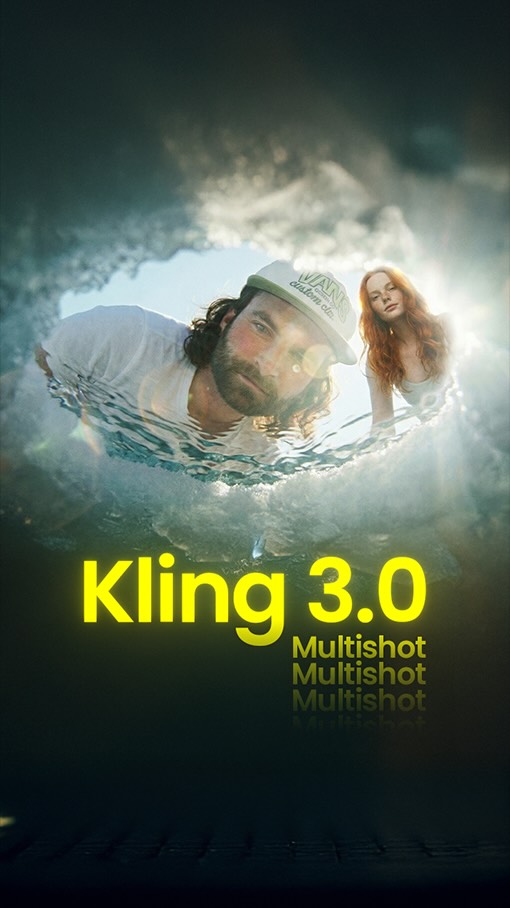
A creator shows how to use Kling 3.0 to make multi-shot AI videos from one picture.

1.2M views
7.1K likes
3K comments
3.8K shares
7.4K saves
937K followers
44s long
0.6% liked
hookThe video grabs attention with an exciting AI video example and big text.
  • Visual style. A man yells in a snowy scene inside a demo clip.
  • On-screen text. Large title text says Kling 3.0 Multi-shot Tutorial.
  • Audio queue. Upbeat talking starts right away.
  • Broad appeal. Anyone who wants to make AI videos will stop to watch.
retainViewers stay to watch simple screen steps and real AI video examples.
  • Useful breakdown. The creator shows settings and prompt examples directly on screen.
  • Shot pacing. There are 5 shots in 44.2 seconds, changing about every 8.8 seconds.
  • Visual proof. Real examples show how characters stay consistent across shots.
  • Right length. The quick explanations fit the overall time well.
rewardViewers learn how to use a new AI tool feature to make video scenes.
  • Learned a skill. Viewers see how to make multi-shot AI video sequences.
  • Feeling inspired. Creators gain ideas for making better AI clips.
  • Clear next step. Viewers know how to get the extra guide resources.
rourke sefton minnskling aivideo tutorialai video generatormulti shotcinematic aivideo editingai promptscontent creationtech tutorialvisual effectsai storytelling

Kling 3.0 is a game changer for creatives 🤯🔥 Comment “AI” for the resources Kling 3.0 introduces Multi-Shot, allowing you to upload a single image and generate multiple different scenes within one continuous sequence. This unlocks true AI storytelling, cinematic edits, and ad-style videos from one reference, making it insanely powerful for creators, filmmakers, and marketers. #Kling3 #KlingAI #AIVideoCreation #CreativeAI #GenerativeAI

watch on instagram
13

@rourke Rourke Sefton-Minns · 4 Jun 2026

11.8x outlier

A video creator shows how to use a new AI plugin to replace objects and create wild visual effects in video editing software.

1.1M views
35K likes
5.7K comments
18K shares
17K saves
937K followers
50s long
3.2% liked
hookViewers stop scrolling because a glowing green AI outline on a sunny beach boardwalk promises a cool editing trick.
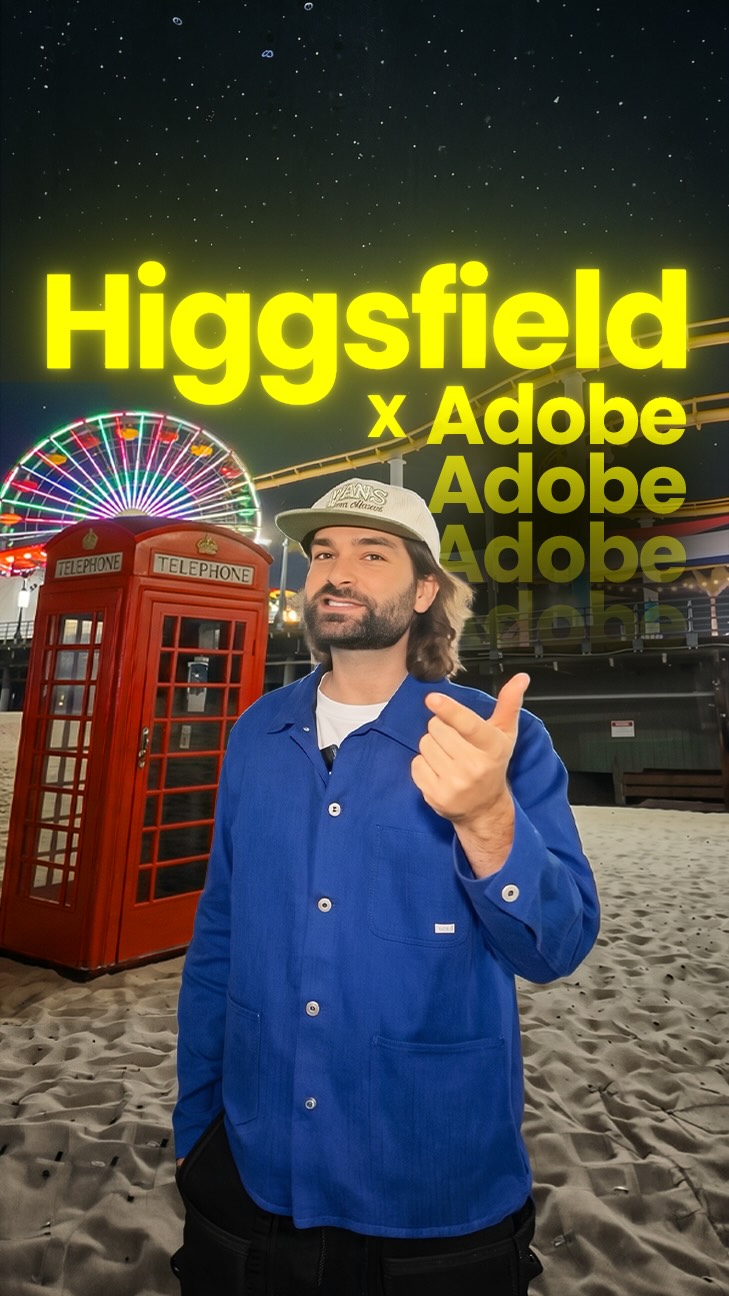
  • The presenter. A young man wearing a blue jacket and hat talks right to the camera.
  • Bright outdoor setting. The opening scene takes place on a sunny pier next to a colorful roller coaster.
  • Clear speech audio. The presenter speaks over upbeat background music.
  • Header text style. Bold white and purple text at the top reads Higgsfield x Pr Ae.
  • Broad audience appeal. Anyone who edits videos or likes cool visual effects will want to see how this works.
retainPeople keep watching to see all the crazy video edits the AI tool can make, like spawning a giant sea monster.
  • Surprising visual examples. The creator shows wild edits like a giant octopus attacking a pier and claw machines filled with rubber ducks.
  • Show and tell approach. He draws glowing lines on the screen to show how easy it is to swap objects.
  • Energetic presenter. The host talks with high energy and enthusiasm through every step.
  • Pacing and shot cuts. The video has 2 shots in 50.4 seconds, a new shot about every 25.2 seconds, with a cut at 38.8 seconds.
  • Essential interface props. The timeline graphic at the bottom shows how the plugin works inside editing programs.
  • Clear step structure. The video goes from simple object removal to big visual effects, then shows how to download the tool.
  • Good video length. The run time of 50.4 seconds gives enough room to show several fun examples without feeling slow.
rewardViewers leave feeling amazed by new AI technology and excited to try editing their own videos.
  • Taught something new. Viewers learn about a free AI plugin for popular video editing software.
  • Inspired to create. Video editors get fresh ideas for adding custom text and giant monsters to their projects.
  • Amazed by tech. Watching objects get swapped out in video footage feels like real magic.
rourke sefton-minns@rourkehiggsfieldpremiere proafter effectsai video editingvideo effectsobject removalvisual effects tutorialadobe premiereai plugincontent creator

Replace anything in your footage with AI 🔥😳 Comment “AI” for a link @higgsfield.ai The Higgsfield plugin for Adobe Premiere Pro and After Effects lets you draw around objects in your footage and swap them out entirely using AI. From adding floating text to changing physical objects and creating impossible shots, it gives creators full creative control over their real-world video. It installs for free directly through the Higgsfield plugin section. #HigsfieldAI #AdobePremierePro #AIVideoEditing #CreativeAI #GenerativeAI

watch on instagram
14

@rourke Rourke Sefton-Minns · 17 Jan 2026

11.0x outlier

A host shows a simple step-by-step guide to create realistic AI video clips.

1M views
17K likes
15K comments
14K shares
23K saves
937K followers
57s long
1.7% liked
hookViewers stop scrolling because a realistic talking woman turns out to be an AI video.
  • Visual clue. A woman talks to the camera holding a cup.
  • Text hook. Bold text reads AI is getting too realistic.
  • Host reaction. A man at the bottom watches with interest.
  • Broad topic. AI videos interest anyone who uses social media.
retainViewers keep watching to learn the exact software and steps used to build the clip.
  • Clear steps. The host walks through each app on screen.
  • Pacing count. The video uses 4 shots across 56.5 seconds.
  • Visual proof. Software screens show how images turn into video.
  • Helpful props. A clear PDF guide shows the full workflow.
  • Good length. The tutorial stays short and easy to follow.
rewardViewers learn how to make their own realistic AI avatar videos for social media.
  • Taught something. Viewers discover specific apps for making AI videos.
  • Inspired feeling. People feel ready to create their own digital clips.
  • Useful tool. Viewers get a downloadable guide by commenting.
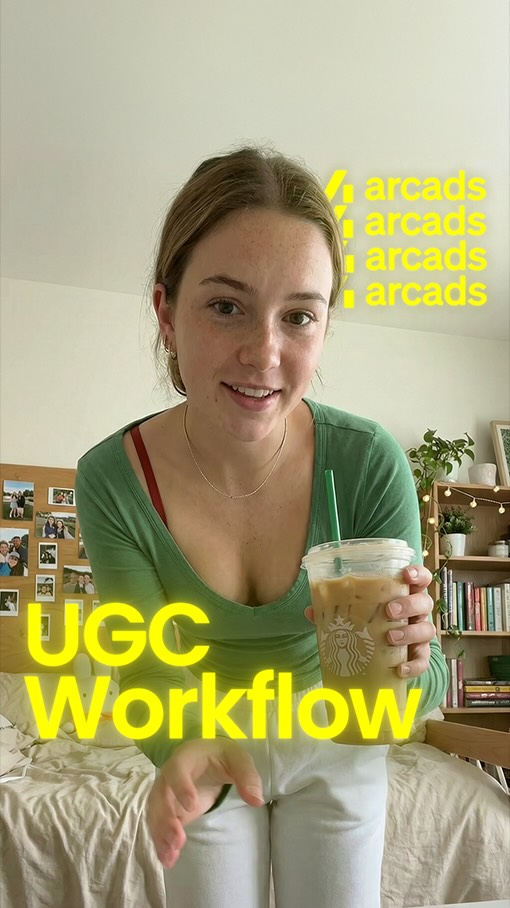
rourkerourke sefton-minnsai ugc tutorialrealistic ai videoarcads tutorialnanobanana proveo 31ai video generatorcontent creation tipsai marketinghow to make ai videoai actor

How to create freakishly realistic AI videos 👏🔥 Comment “AI” for the resources! Arcads is an AI UGC platform that generates ultra-realistic, creator-style ads using consistent AI avatars and products. This is a huge breakthrough for brands and marketers who want authentic-looking UGC videos at scale without hiring creators or filming content. #Arcads #AIUGC #AIMarketing #AIVideoAds #CreativeAI

watch on instagram
15

@rourke Rourke Sefton-Minns · 16 Jan 2026

10.7x outlier

A creator demonstrates how to generate high quality AI videos with controlled camera moves and offers a free prompt guide.

994K views
29K likes
12K comments
18K shares
27K saves
937K followers
30s long
2.9% liked
hookA flashy split screen displaying realistic AI camera effects immediately stops people from scrolling.
  • Visual appeal. A presenter stands in a studio framed by split screens showing dynamic camera motion.
  • Studio setting. Bright studio lighting with bold text overlays and visual timeline graphics.
  • Upbeat audio. Fast background music creates energy and holds interest right away.
  • Text display. Clear labels show the exact text prompts used to create each scene.
  • Broad appeal. Anyone who creates online videos or works with AI tools will find this interesting.
retainFast visual examples and clear instructions keep viewers watching until the offer for a free workflow guide.
  • Useful visual tool. Showing dramatic before and after AI video clips makes people want to learn the technique.
  • Show and tell. The creator shows real prompt examples while explaining how the AI tools connect.
  • Fast pacing. The video uses 7 shots in 30.1 seconds, changing pictures every 4.3 seconds to stay fresh.
  • Essential props. The visual split screen popups and PDF preview are crucial, and the video does not work without them.
  • Simple narrative. The story flows logically from showing cool results to offering the free cheat sheet.
rewardViewers learn how to control AI camera movements and how to claim a free workflow document.
  • Learned a trick. Viewers see how combining image frames creates smooth video movement.
  • Feeling inspired. Seeing impressive AI clips makes viewers want to build their own projects.
  • Free resource. Viewers find out how to get a complete prompt guide by leaving a quick comment.
rourkeai videoklingaihiggsfieldvideo editingai promptstext to videocamera movementcontent creatorvideo workflowai tutorialprompt guidevideo marketingcreator tools

Higgsfield × Kling just became one of the most powerful AI video workflows you can use right now. Comment “AI” for all the prompts and images In this video, I break down how Higgsfield and Kling work together to unlock next-level AI video creation — from controlled motion and cinematic shots to high-quality AI visual effects and storytelling. This combo is perfect for creators, filmmakers, and marketers who want maximum control with minimal friction. #HiggsfieldAI #KlingAI #AIVideoCreation #CreativeAI #GenerativeAI

watch on instagram
16

@rourke Rourke Sefton-Minns · 18 Feb 2026

10.5x outlier

A tutorial on how to make wild AI video clips using simple node tools.

972K views
32K likes
21K comments
20K shares
32K saves
937K followers
56s long
3.3% liked
hookA fast AI action video plays at the top while the creator points to the workflow nodes below.
  • Creator look. A man wearing a blue cap points up at digital nodes.
  • Setting and light. A cozy home studio with a dark screen overlay.
  • Upbeat music. Fast background music plays with energetic sound effects.
  • On-screen text. Bold text asks 'How to do this:' right at the top.
  • Broad appeal. Anyone interested in AI or cool video effects will stop to look.
retainClear step-by-step instructions show how simple node workflows turn into fun video scenes.
  • Useful idea. The clip shows how to combine photos and text into video.
  • Show not tell. Screen recordings show the exact node setups and final results.
  • Clear steps. The tutorial moves logically from writing prompts to picking frames.
  • Shot pacing. There are 5 shots in 56.0 seconds, changing shots about every 11.2 seconds.
  • Right length. The timing matches the lesson well without wasting time.
rewardViewers learn how to build their own custom AI videos step by step.
  • Taught something. Viewers learn how to connect prompts and images using Kling 3.0.
  • Inspired to try. The simple process makes video creation feel fast and doable.
  • Wanting the template. Viewers feel eager to comment for the free workflow link.
rourkeai video tutorialfreepik spaceskling 3.0ai workflowvideo editinggenerative aicreative nodescontent creationvisual effectsai promptsdynamic videotech guide

How to create these videos 🔥👏 Comment “AI” for all the prompts and workflow for free! Video Inspired by the one and only, first and last frame final boss @enigmatic_e 😎🪭 In this tutorial, I walk through the full workflow of generating AI videos inside Freepik Spaces using Kling 3.0. You’ll learn how to structure prompts, control motion, and build cinematic sequences — all inside one scalable AI production pipeline. #FreepikSpaces #Kling #AIVideoCreation #aicommunity GenerativeAI
watch on instagram