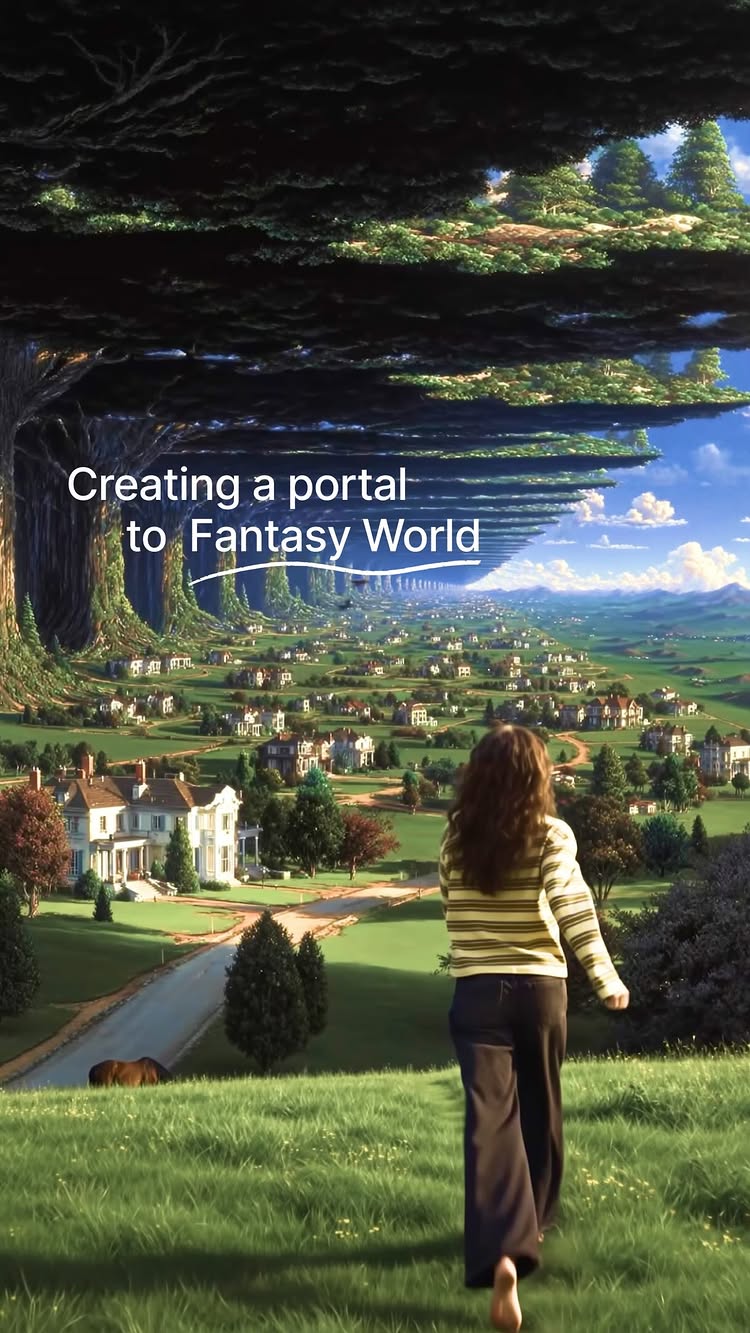
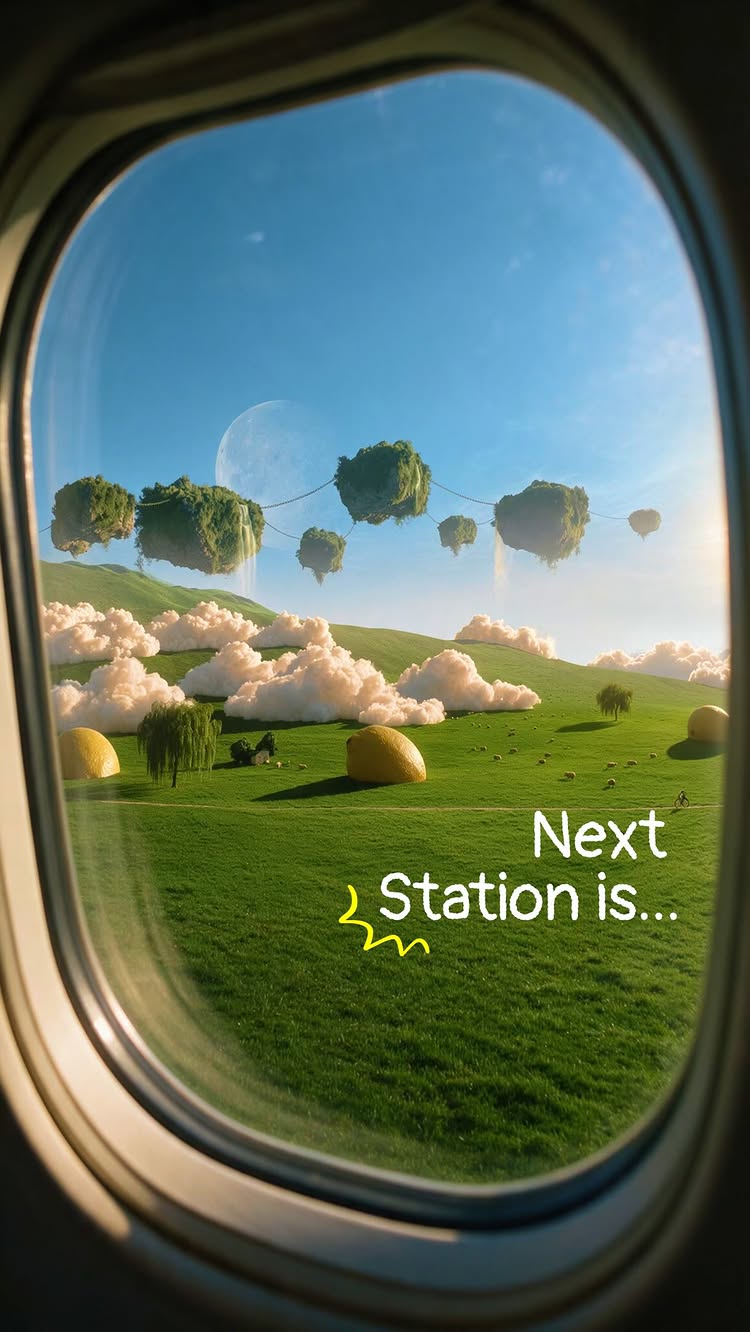
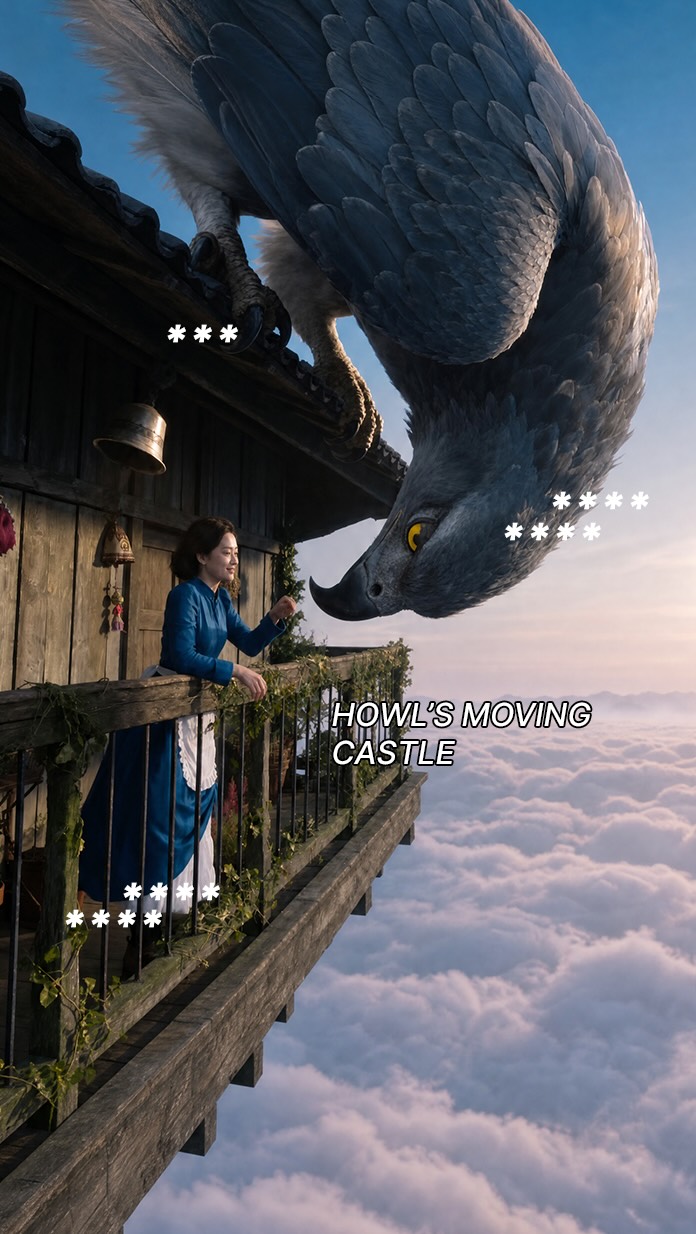
Come visit my fantasy world 🪐 Comment “FANTASY” for the prompts. I come up with these crazy ideas all the time. The other day, thought of creating a whole new world which would appear on the other side of my door. Made this using Seedance 2.0 in @higgsfield.ai ✨ If you want to make YOUR crazy ideas real, comment “FANTASY” and I’ll share my prompts with you 🩷
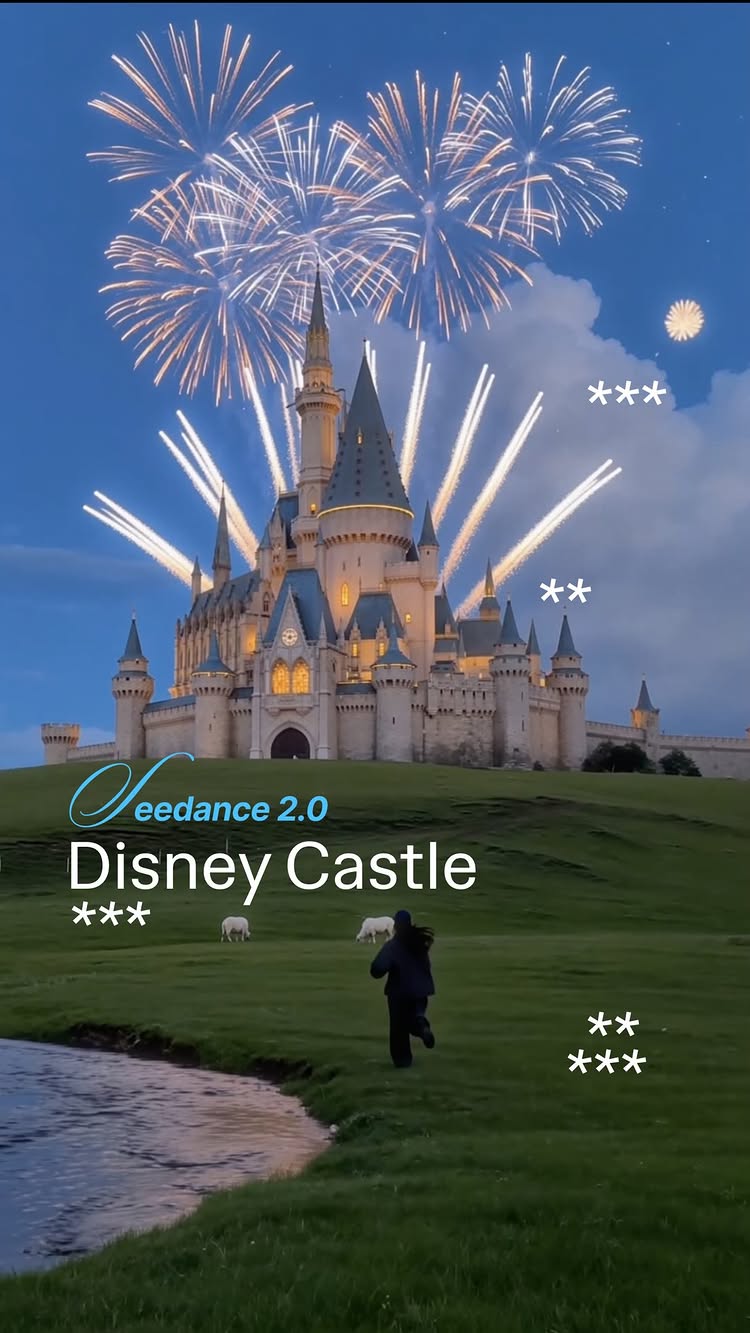
A woman runs across a green field toward a magical castle with fireworks in the sky.
9.4Mviews
1.2Mlikes
8.3Kcomments
0shares
0saves
180Kfollowers
14slong
12.7%liked
hookViewers stop scrolling because sheep run past a woman in a quiet green field at dusk.
Person and clothing. A woman wears a dark outfit and cap while standing in a field.
Setting and light. Soft blue dusk sky with big clouds covers a green grassy hill.
Sound and music. A slowed down instrumental song plays quietly in the background.
Text on screen. There is no text on screen to block the view.
Broad appeal. Anyone who loves fairy tales or peaceful nature scenes will stop to watch.
retainPeople watch to the end to see the quiet field turn into a magical castle view.
Surprising reveal. The quiet field suddenly features a glowing castle and bright fireworks.
Shown not told. The clip uses visual magic instead of words to show the dream.
Simple movement. The woman turns and runs toward the castle on the hill.
Single unbroken take. The video is 14.0 seconds long with 1 unbroken take and no hard cuts.
Magical elements. The castle, sheep, and fireworks make the scene feel like a movie.
Easy story flow. The camera follows the woman as she runs from sheep toward the castle.
Perfect length. The 14.0 seconds gives enough time for the fireworks to light up the sky.
rewardViewers leave feeling inspired and full of magical wonder.
Sense of magic. The glowing castle brings back happy memories of storybooks.
Beautiful visuals. Bright fireworks over the castle reflection look stunning at twilight.
Creative idea. Viewers see how AI can build a fantasy scene from a plain field.
kareema yertargyndisney castlemagic castlefireworks displaydream worldfantasy videogreen fieldtwilight skysheeprunning womanai video artfairytale lookrelaxing video
Running towards the Disney castle 🏰✨ Created using @higgsfield.ai with Seedance 2.0 in 4k! For the prompts, comment “CASTLE” 🎠 When I was a kid, the castle wasn’t just a building, it looked like something magical. I’d see it on the screen, on the logo before every movie, and feel like there was a whole world waiting on the other side of those gates. I was sure that if I could just get there, if I could run through those doors, something in my life would turn golden. So I built the version me . Same castle. Same feeling in my chest. Except this time I’m the one in the frame, running full speed at the thing I used to only dream about. 🖤 The kid who used to point at the screen finally made it in. #disney
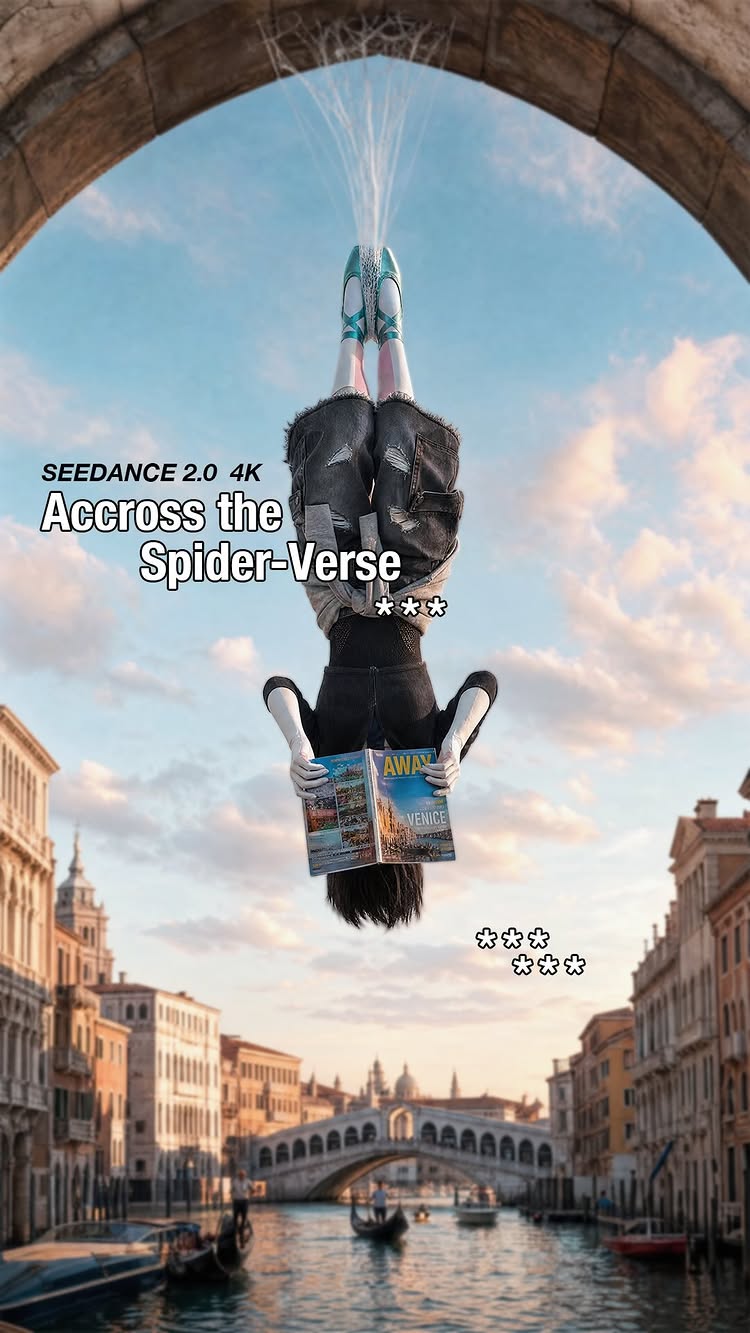
POV: you were born to be Gwen Stacy 🕸️ 🕷️ Created using @higgsfield Seedance 2.0 in 4k! For the prompts, comment “GWEN” 🩰 Spider-Man has been living in my head rent-free for as long as I can remember. It’s not just a movie ,it’s a whole universe. The way the story is built, the characters, the world... it genuinely inspires how I see things, how I create, how I move. And honestly? Gwen’s energy just fits something in me that I can’t explain. So I had to do this. And with the new part coming I am not okay😭 The excitement is real. I’ve been waiting for this and I need everyone to know I was here from the start. 🖤
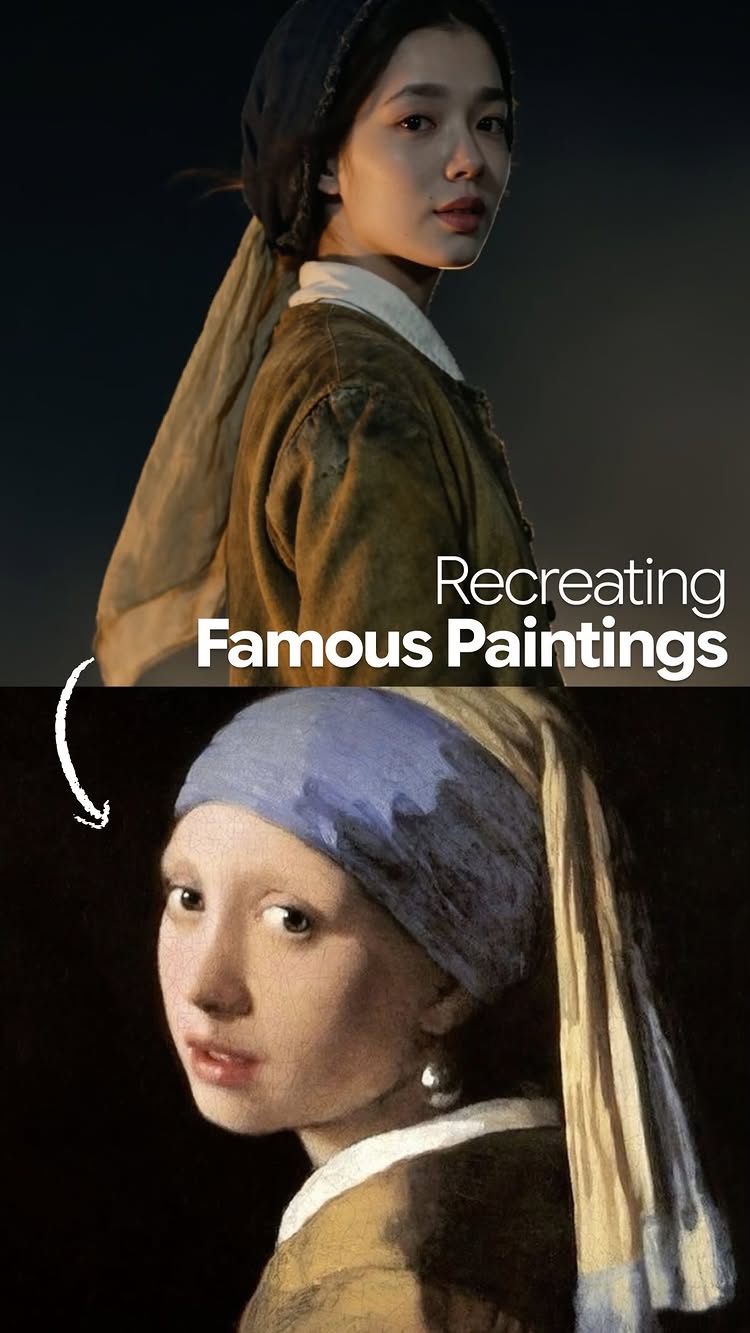
A digital creator brings famous classic paintings to life as moving video clips.
8.5Mviews
447Klikes
2.1Kcomments
35Kshares
58Ksaves
180Kfollowers
29slong
5.2%liked
hookA giant one-eyed monster peeking over a hill next to a classic painting stops viewers from scrolling.
Giant monster. A huge cyclops looks over grey rocks while a woman cower on the grass.
Gloomy landscape. High sea cliffs meet cold green waves under a dark gray sky.
Sad strings. Deep violin music plays to create a dark movie mood immediately.
No captions. The screen stays clean without any overlay text or titles.
Broad appeal. Art lovers and movie fans both enjoy seeing classic pictures come to life.
retainPeople watch until the end to discover which famous artwork will be brought to life next.
Surprising tech. Each shot turns a flat painted face into a realistic moving person.
Visual display. The video shows the living clip directly above the painting without speaking.
Soft acting. Every actor matches the subtle emotions of the original artwork.
Quick pacing. There are 8 shots in 29.1 seconds, changing every 3.6 seconds to keep eyes focused.
Rich costumes. The historical dresses and metal armor are key because the video does not work without them.
Simple layout. Putting the movie clip on top and painting on the bottom makes comparison easy.
Right length. Half a minute is long enough to show eight paintings without feeling dragged out.
rewardViewers walk away feeling inspired by a fresh way to look at ancient paintings.
Art appreciation. Watching paintings move makes historical art feel fresh and interesting.
Fun recognition. Viewers feel happy when they spot artworks like Girl with a Pearl Earring.
Creative spark. Digital artists get inspired to use new tools for their own ideas.
kareema yertargynart recreationfamous paintingsgirl with a pearl earringophelia paintingclassic artai videocinematic sceneart historylive paintingvisual effectsart side by side
The art of medieval paintings 🎨 SEEDANCE 2.5 COMING SOON on HIGGSFIELD AYOOOO 🤯Comment “Art” for the prompts and tutorial 🖍️ Also inspired by @theodysseymovie
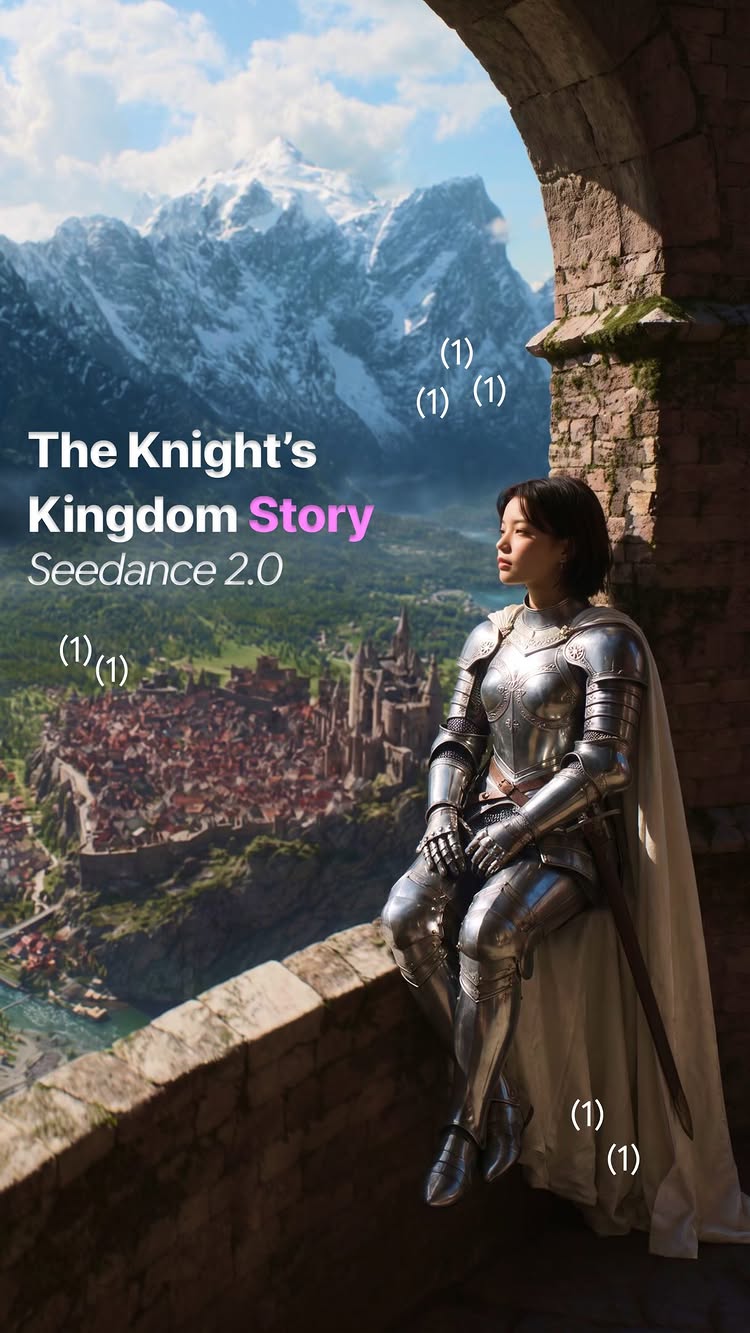
The story of one Knight’s Kingdom 🧚 Did you realize there is a cat in the corner, haha😂 For the tutorial with prompts, comment CAT 🐱 Created this using Seedance 2.0 in @higgsfield.ai and you can try it for free! All new users get a full day of unlimited access to all the best models before subscribing. If you like it, you get Higgsfield PLUS with 7 days of unlimited access🤯 Just in case, you can cancel it on the first day, but I think if you are someone who wants to start generating really cool content, you should definitely check it out. Comment “CAT” and I’ll dm you the link with prompts 🐈
A girl uses a laptop to turn her doorway into a magical portal where Toy Story characters walk into her home.
2Mviews
129Klikes
4.3Kcomments
10Kshares
10Ksaves
180Kfollowers
13slong
6.5%liked
hookA girl sitting by a glowing doorway with a Toy Story logo catches your eye right away.
Person looking. A girl sits on the floor holding a laptop in a bright doorway.
Setting and light. Bright indoor lighting with a purple grid glowing on the door behind her.
Music playing. Gentle nostalgic music plays softly in the background.
Text on screen. Bold white text says PORTAL TO MY CHILDHOOD with a Toy Story logo above it.
Broad appeal. Toy Story is loved by millions of people of all ages.
retainWatching the doorway turn into Andy's room as the toy characters step into real life keeps you watching.
Surprising idea. Seeing animated toys step through a portal into a real hallway is fun to watch.
Show don't tell. The digital portal effect opens up without any long explanation.
Calm reaction. The girl sits quietly while the magic visual effect happens around her.
Shot changes. The video has 4 shots in 13.0 seconds, changing every 3.2 seconds.
Key props. The laptop and digital portal effect are the main parts of the video.
Easy story. You see the doorway scan, open up, and reveal the toy characters walking out.
Right length. At 13 seconds, the animation finish happens right before the video ends.
rewardYou feel happy and full of childhood nostalgia after seeing the toys come to life.
Nostalgic feeling. Seeing classic Toy Story characters brings back happy childhood memories.
Visual delight. The animated characters stepping into a real room looks amazing.
Creative spark. You might feel inspired to make your own animated portal video.
kareema yertargyntoy story portalai animation editwoody buzz lightyearchildhood nostalgiamagic doorwaycgi visual effectsdisney pixar fanscreative video editing tutorial
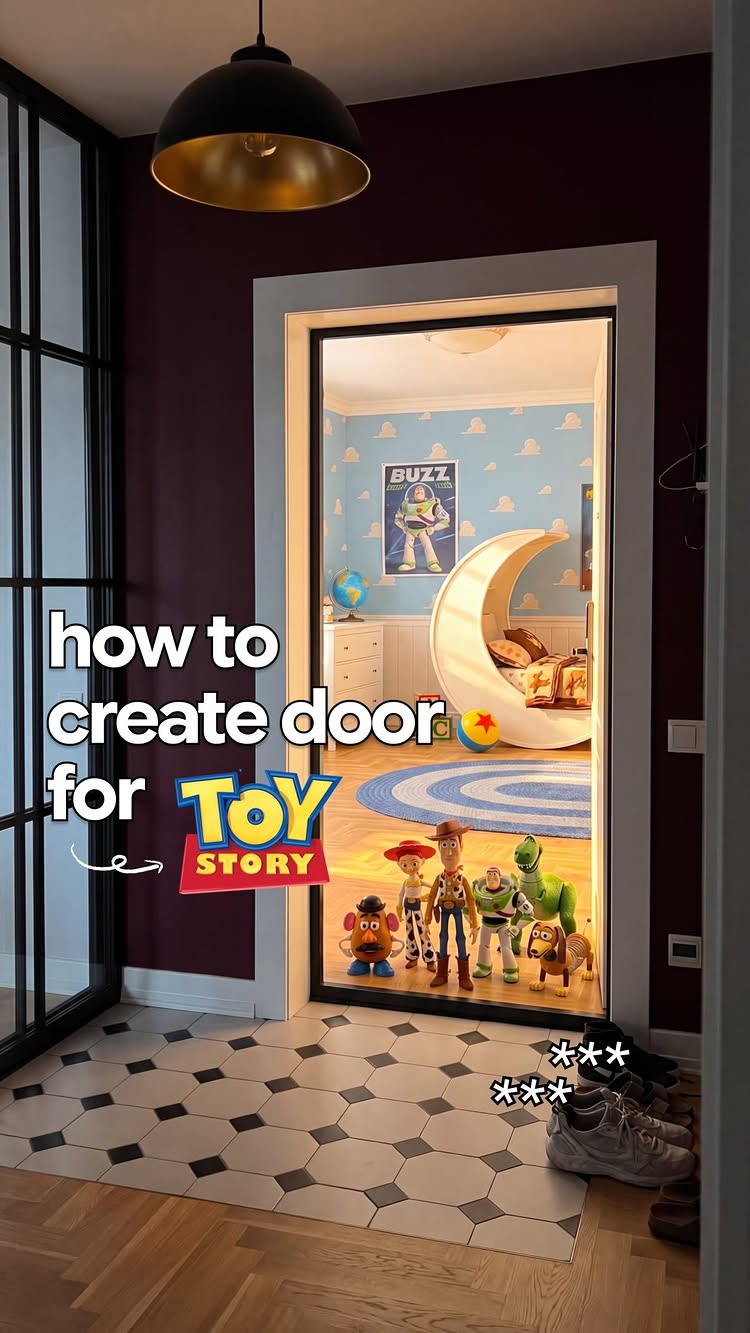
Since Toy Story 5 is coming out, decided to create a portal to my favorite childhood cartoon 🦖 🤠 If you want the step-by-step guide (with exact prompts) comment “TOY” ✨ Inspired by @tims.eye Made in @higgsfield.ai #toy #toystory5 #toystory #disney #pixar
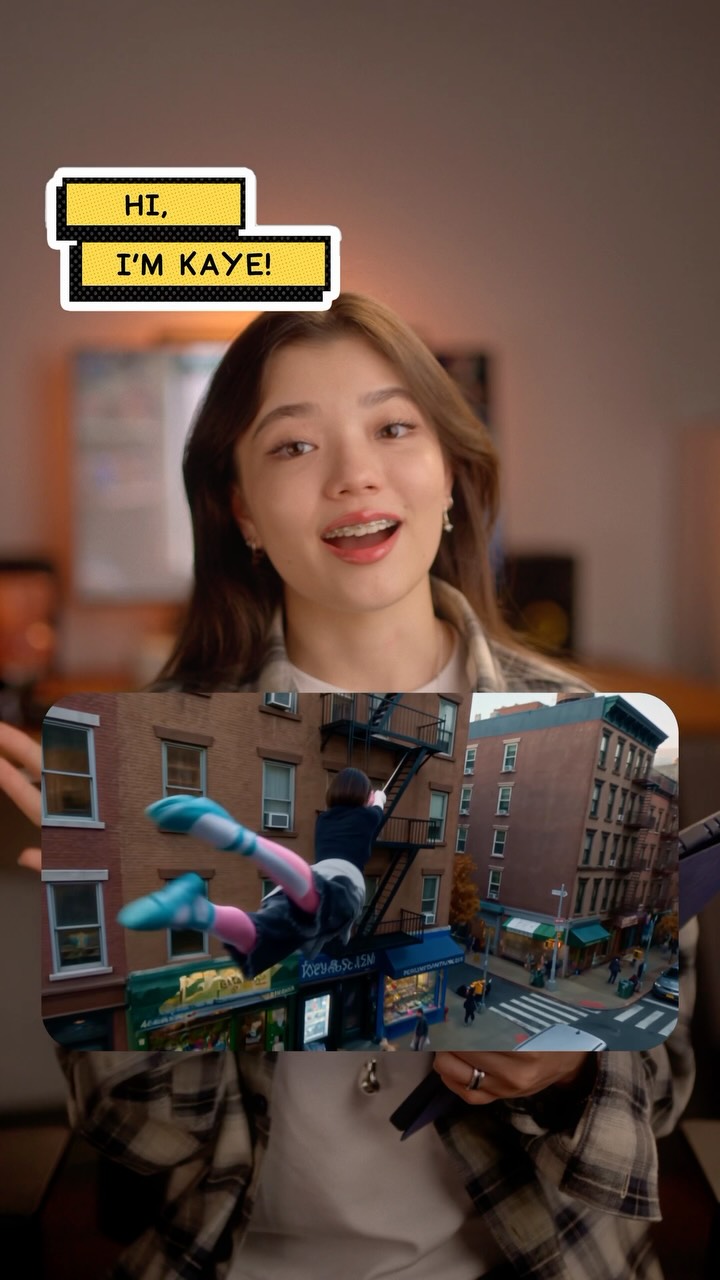
A woman shows how she used computer tools to turn her own photos into a superhero animation.
1.9Mviews
163Klikes
21Kcomments
0shares
0saves
180Kfollowers
37slong
8.6%liked
hookThe clip opens with a cool animation of a girl jumping out a window before switching to the creator.
Quick movie clip. A cartoon girl puts on headphones and drops out a window like a superhero.
Warm studio setting. A friendly girl stands in a bright room holding a pen and a tablet.
Bouncy background beat. Upbeat music plays with a clean drum sound that keeps the mood energetic.
Bold title text. Bright yellow boxes show introductory words right at the start.
Wide audience reach. Anyone who likes superhero movies or making videos will stop to watch.
retainClear step by step tips keep the viewer watching to learn how to make the same animation.
Useful main idea. The creator explains how to turn pictures of yourself into a moving character sheet.
Shown on screen. You see the exact phone screens and prompts used instead of just hearing about them.
Upbeat presenter. The teacher speaks directly to the camera with a cheerful, friendly tone.
Steady pacing. There are 9 shots in 37.0 seconds, changing the picture about every four seconds.
Simple tablet prop. Holding a tablet and stylus makes the creator look like a real expert.
Easy steps. The lesson moves logically from taking selfies to picking app settings to seeing the result.
Right video length. The short duration fits the fast tutorial without wasting any time.
rewardViewers learn how to turn their own pictures into realistic superhero animations.
Learned something new. Viewers now know how computer tools can turn simple selfies into moving scenes.
Inspired to create. Seeing how simple it looks makes viewers want to try making their own clips.
Helpful resource. Commenting a keyword lets viewers get the exact words needed to make the video.
kareema yertargyngwen stacytutorialanimation tutorialphoto to videovideo editing tipscharacter designvisual effects tutorialdigital art tutorialcreator tipscontent creation
The tutorial behind the 3M view Gwen Stacy animation 🕷️ Comment “SPIDER” for the prompts. Created using @higgsfield.ai SEEDANCE 2.0 in 4k! A while back I made an animation of myself as Gwen Stacy. I didn’t expect much but it hit 3 million views!🕷️ So here’s the tutorial you’ve been asking for. Whether you’re just starting out or already animating, I hope this helps you create something you’re proud of 🖤 #gwenstacy #spiderman
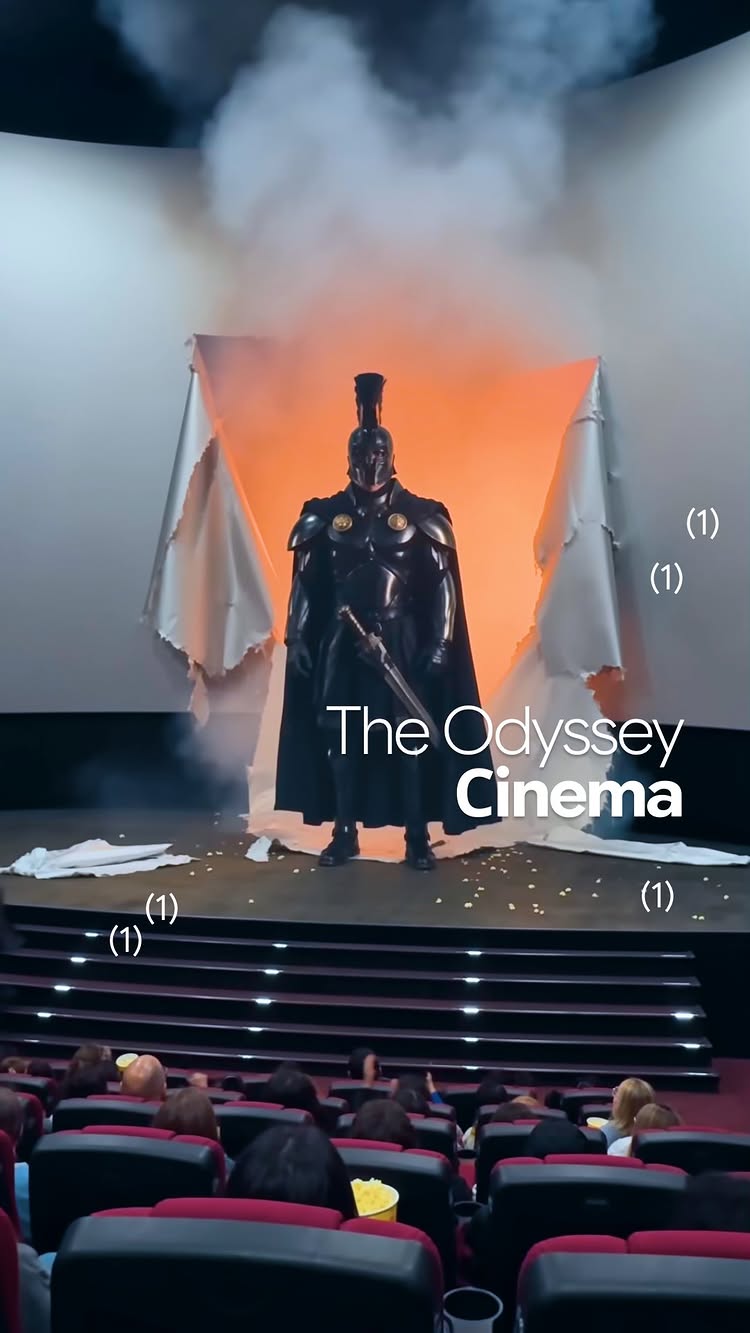
A movie theater screen bursts open as an armored warrior steps out into the cinema and starts dancing.
1.7Mviews
93Klikes
915comments
19Kshares
4.8Ksaves
180Kfollowers
15slong
5.4%liked
hookThe creator starts by excitedly praising the IMAX movie experience before a sudden explosion shocks the viewer.
Young woman. A smiling woman speaks right into the camera in a dark movie theater.
Dark theater. The background shows theater seats and the glow of a big movie screen.
Excited speech. She tells the camera that this is absolute cinema.
Big text. White text on screen says this is IMAX, setting up a huge experience.
Broad appeal. Anyone who loves going to the movies will stop to see what happens next.
retainViewers stay to see the wild visual effect where a warrior breaks through the movie screen and dances.
Surprising turn. The movie screen explodes with smoke and flames, catching everyone off guard.
Silly action. An ancient soldier steps out of the screen and begins to do a modern dance.
Visual story. The video shows the crazy scene directly instead of just talking about it.
Pacing and cuts. The video is one unbroken take for 14.8 seconds with no hard cuts.
Clear story. The action goes from normal movie watching to crazy chaos in a few seconds.
Perfect length. The short 14.8 second runtime keeps the visual joke punchy and fun.
rewardThe viewer gets a quick laugh from a creative AI effect that brings a movie screen to life.
Big laugh. Seeing a tough warrior dance in front of a theater audience is hilarious.
Visual delight. The special effect looks like the character really stepped into the room.
Creative spark. It makes people curious about how AI can edit videos in fun ways.
kareema yertargynkaye creativesimax cinemamovie theater prankai video editdancing warriorabsolute cinemafunny movie scenevisual effects editviral videotheater reaction
The Odyssey in IMAX 🤯 Had some fun with making Agamemnon dance😂 Comment “CINEMA” for the tutorial and prompts Free unlimited @higgsfield.ai MCP on Claude and ChatGPT, with Seedance 2.0 1080p included. 🤯 New users get a full day of unlimited access to all top models - no charge, no commitment. Stay, and get 7 more days free with Higgsfield Plus. Cancel anytime in one click during day one. 🙌🏻
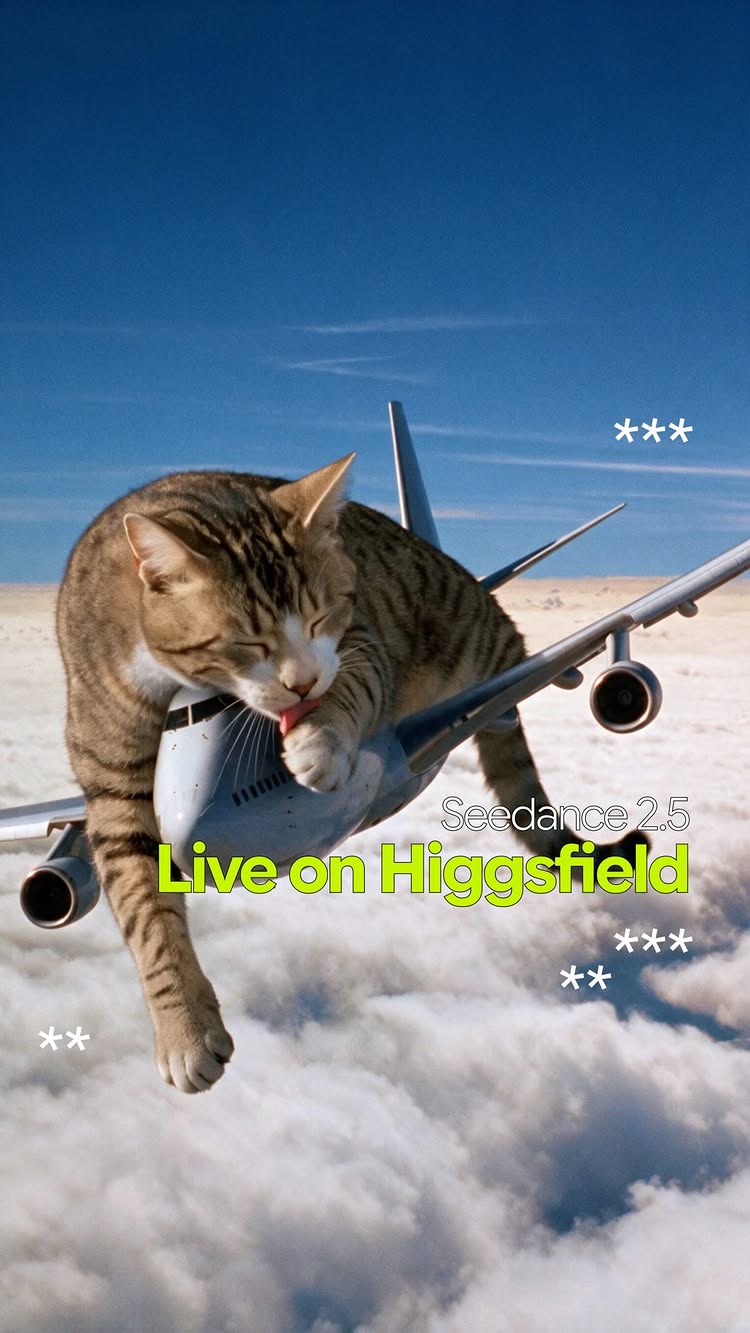
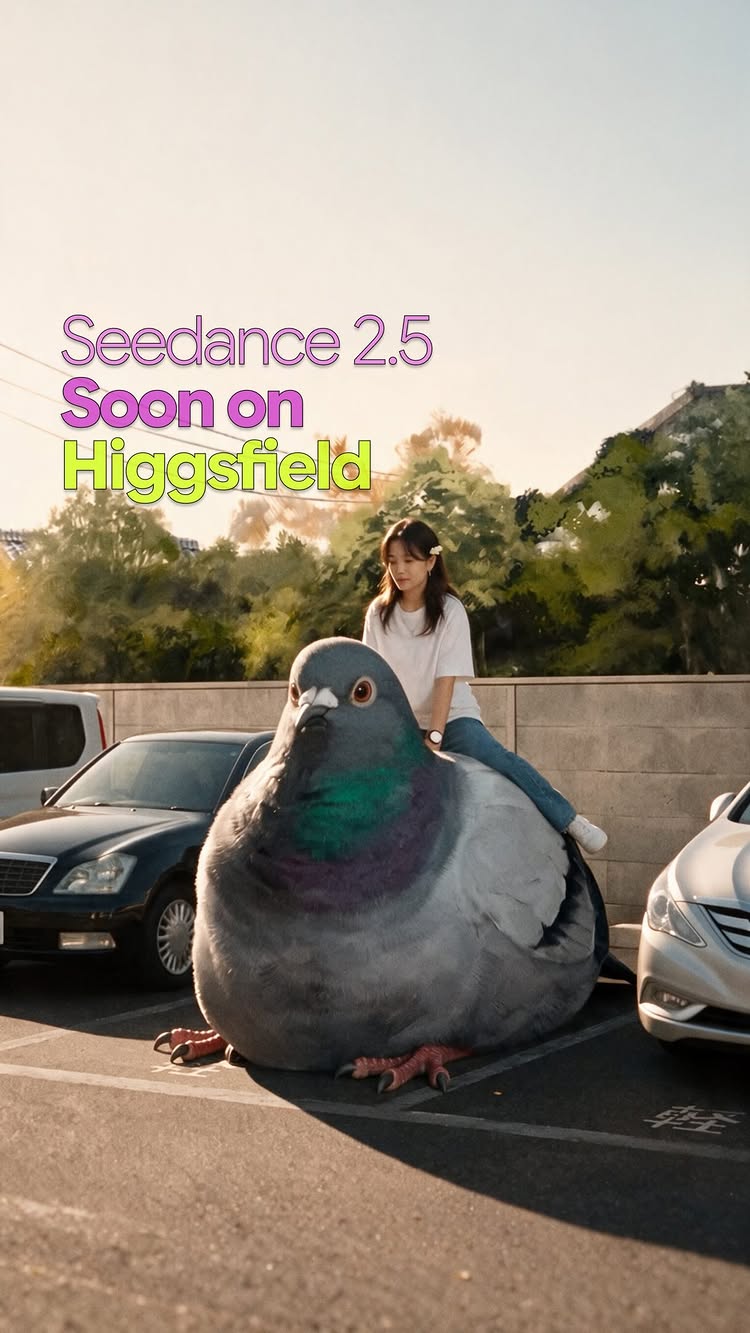
Seedance 2.5 just went live on Higgsfield, and I’m very excited about it. 😌✨ Comment “Cat” for the link and prompts. 🐾 There’s a 33-day unlimited access window happening right now if you want to jump in and try it out properly without worrying about limits. The big update: you can now generate continuous 30-second clips using up to 50 reference images. That’s huge for keeping consistency across longer sequences, and it works for both video-to-video and text-to-video workflows. Drop “Cat” if you want the link and I’ll send it in your dm’s 🐱
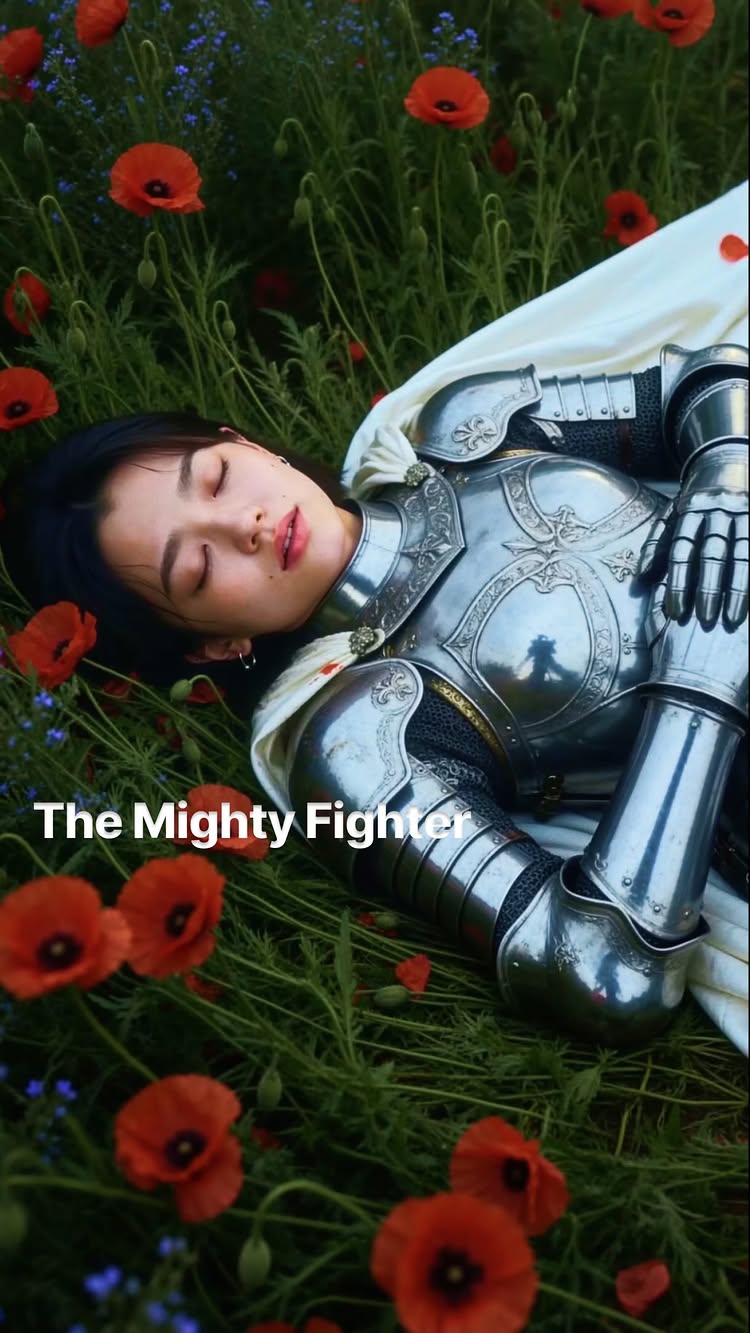
One knight could rewrite an entire kingdom’s history… 🗡️👑 Comment «Knight» for the tutorial + guide 📩 Surrounded by castle walls and golden light 🏰✨, you start to feel how far you’ve drifted from your own timeline. The armor catches the sun like it remembers a war you never fought ⚔️, and the silence around it feels older than you are. I kept seeing this world show up in my feed, and I finally had to step into it myself. Created using @higgsfield.ai, comment «Knight» for the prompts
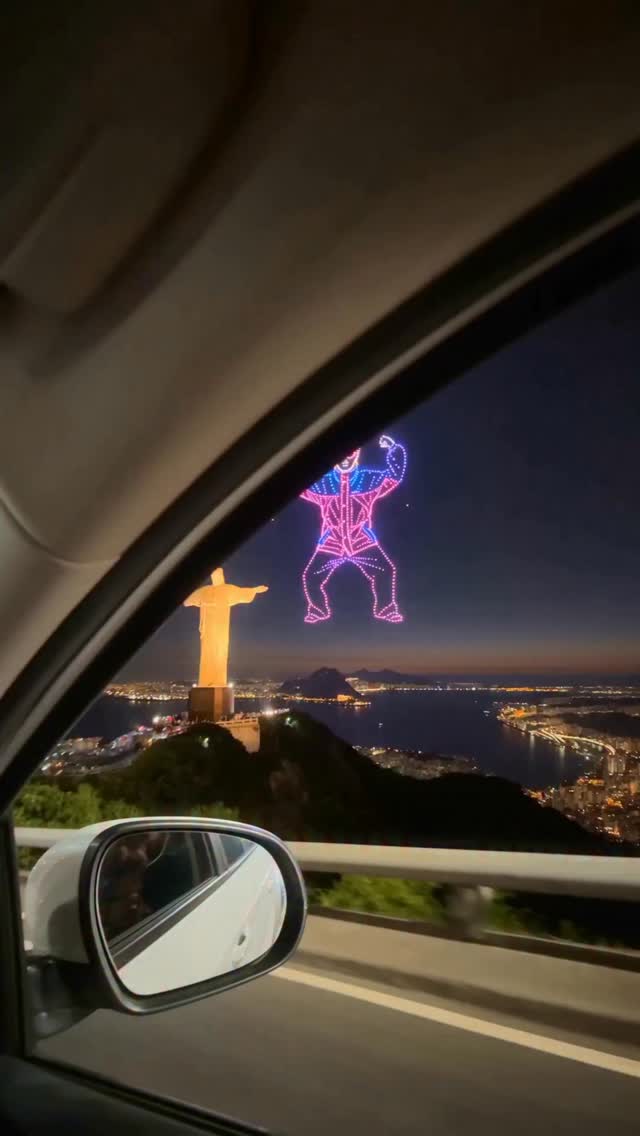
An AI drone light show displays singer Oliver Tree dancing in the sky next to the Christ the Redeemer statue.
1.1Mviews
144Klikes
1.3Kcomments
12Kshares
7.7Ksaves
180Kfollowers
20slong
12.6%liked
hookBright glowing lights in the dark sky instantly grab attention next to a world landmark.
Glowing colors. Pink and blue lights form a giant dancing figure next to a landmark at night.
Pop music. The popular song Life Goes On plays along with the flashing lights.
Broad appeal. Anyone who likes music videos or cool night visual effects will stop to look.
retainViewers stay to see how the glowing lights shift into new shapes and singer poses.
Silly shapes. How silly it is to see a cartoon singer dance in the sky keeps people watching.
Pure visual. The video shows the light animations without needing any text explanations.
Shot pace. The video has 2 shots in 20.1 seconds, with a new shot about every 10.1 seconds.
Landmark scale. The giant statue provides scale, so the video does not work without it.
Right length. The video is short enough to hold interest through the entire clip.
rewardViewers feel entertained by a creative and colorful light spectacle.
Visual joy. The bright pink and blue lights look impressive against the dark sky.
Fun mood. The upbeat song paired with the funny dancing figure brings a smile.
Creative idea. Viewers get inspired by seeing how AI can create imagined drone shows.
kareema yertargynoliver treedrone light showai video artrio de janeirochrist the redeemerlife goes onvisual effectslight animationnight skylinecolorful lightsdigital art
RIP @olivertree Made with love❤️🩹 Made in @higgsfield.ai #olivertree
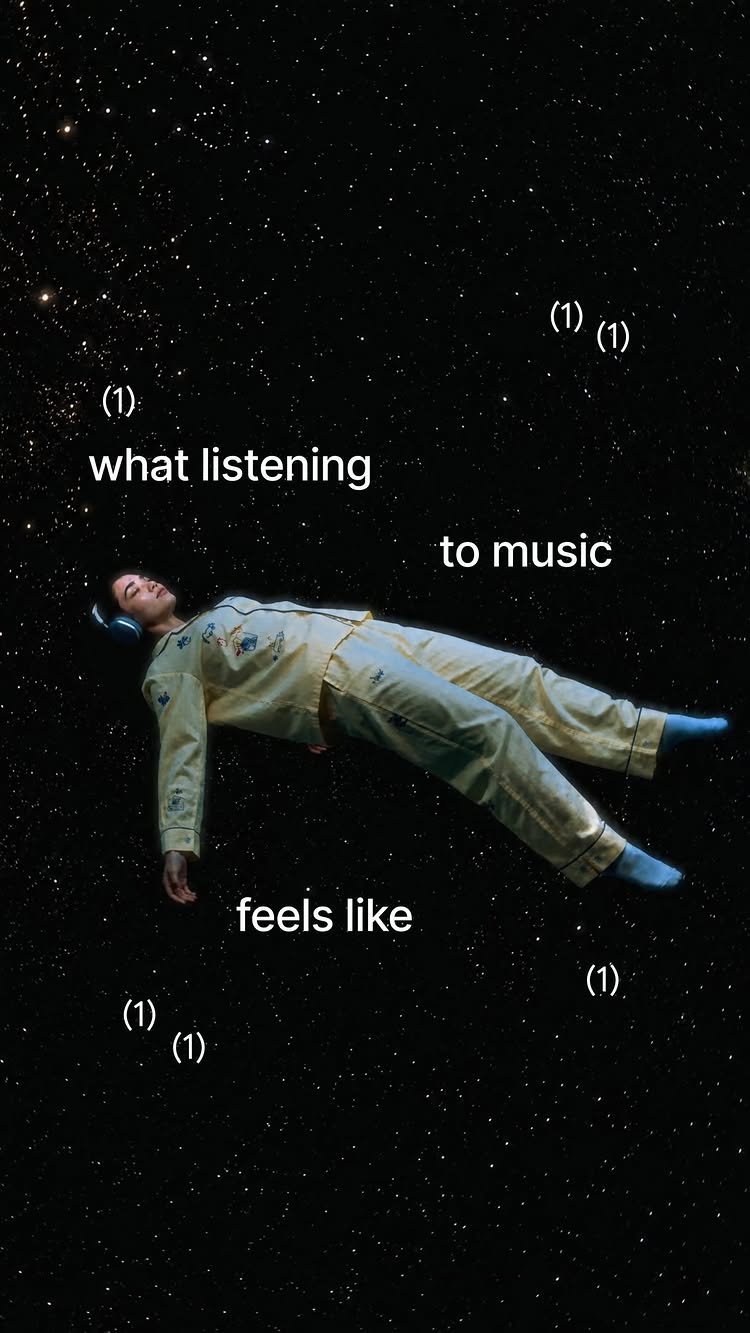
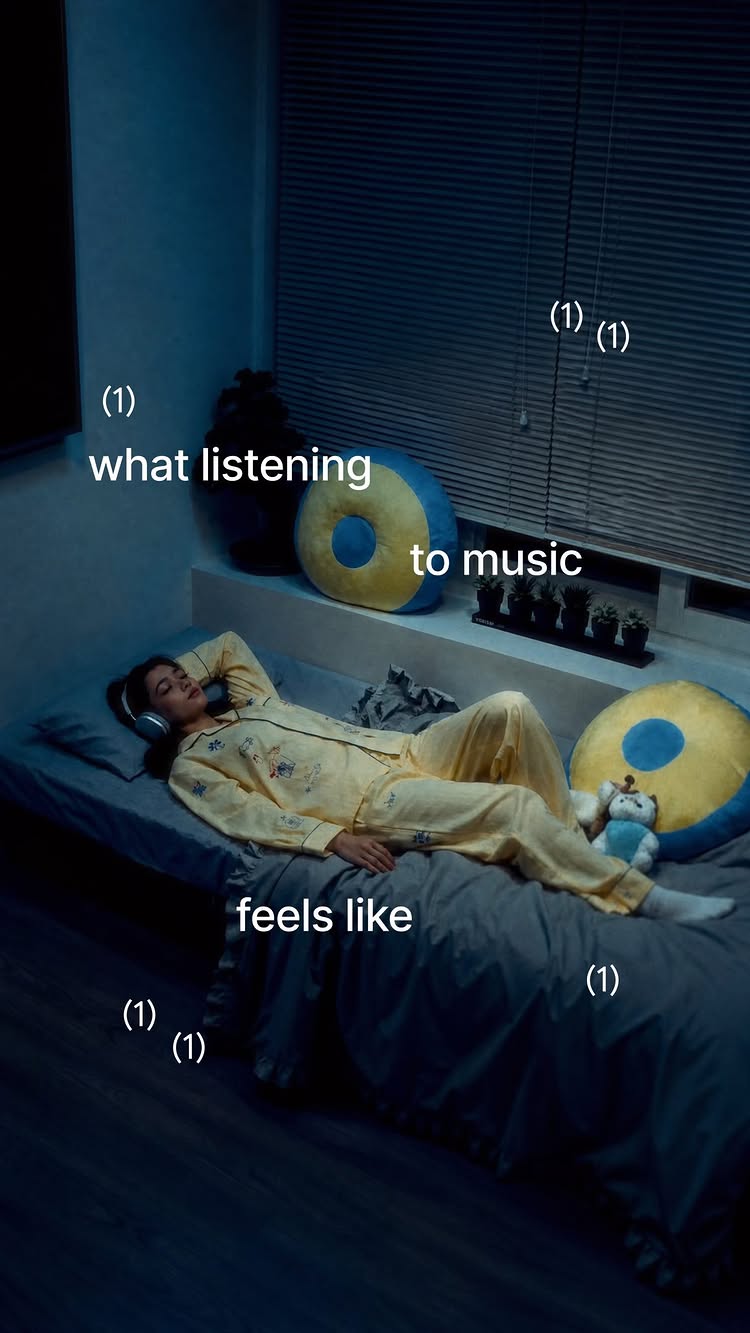
A young man floating off his bed and into space shows what listening to a great song feels like.
824Kviews
82Klikes
1.1Kcomments
6.2Kshares
6.4Ksaves
180Kfollowers
11slong
10.0%liked
hookA young man lying on a bed with headphones instantly sets up a relatable music meme.
Look and feel. A young man wearing yellow pajamas lies on a bed with large headphones.
Setting and light. Low blue lighting gives the cozy bedroom a calm late night mood.
Audio track. Soft slowed music plays quietly in the background.
Onscreen text. Bold white text says POV: what listening to that one song feels like.
Broad appeal. Anyone who loves music understands the feeling of getting lost in a good track.
retainThe surprising levitation effect keeps viewers watching to see how far he floats.
Visual levitation. The creator slowly rises into the air instead of just explaining the feeling.
Surprising transition. Floating into a starry space background creates a sudden visually cool moment.
Pacing and edits. The video uses 3 shots in 11.1 seconds, changing the view every 3.7 seconds.
Key props. The headphones are crucial because the video does not work without showing the music source.
Clear story. The sequence moves simply from lying down to lifting off to floating in deep space.
Matching length. The short 11.1 second duration matches the simple visual punchline.
rewardViewers leave feeling relaxed, understood, and inspired to play their favorite music.
Deeply relatable. Viewers feel seen because they recognize that exact floating sensation from music.
Calming atmosphere. The slow music and dark starry sky give a peaceful feeling.
Visual inspiration. Video editors get ideas for turning simple thoughts into fun video effects.
kareema yertargynkaye creativesfloating in spacelistening to music memefavorite song povvisual effect editstarry sky vfxrelaxing music moodlevitation trickcozy aesthetic video
What I feel like when listening to my favorite song 🎵 Comment “ELEVATE” for the prompts 🫧
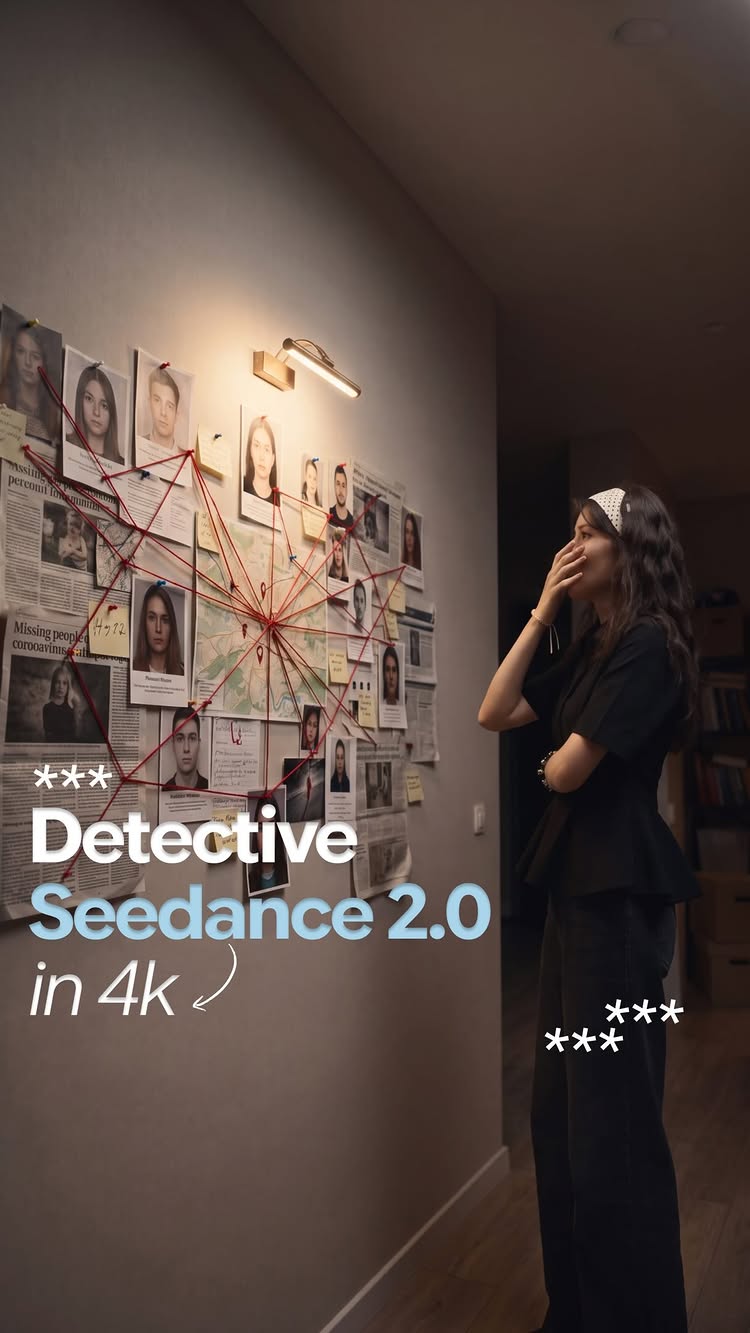
A woman shows how AI video tools can add a detailed detective board onto a blank wall.
661Kviews
15Klikes
3.6Kcomments
6.1Kshares
13Ksaves
180Kfollowers
13slong
2.2%liked
hookThe three side by side panels showing a blank wall turning into a detailed clue board grab attention right away.
Person looks. A woman stands in a dark outfit with a white headband, acting like a detective solving a mystery.
Setting and light. The video is set in a dimly lit modern room facing a plain white wall.
Background music. An upbeat retro beat plays in the background.
Screen text. Bold white text labels the top panel as Original and the bottom two panels as AI tools.
Broad appeal. Anyone interested in cool video tricks, AI tools, or video making will want to stop and look.
retainViewers stay to see how realistically the AI tools track her hand movements and place the clue board on the wall.
Clever comparison. Seeing the real video next to two AI versions makes it easy to see which tool looks better.
Shown not told. The video shows the magic directly instead of just talking about it.
Focused acting. The creator gestures at imaginary clues on the blank wall, making the AI additions fit her movements.
One single take. The video is 1 unbroken take that runs for 12.6 seconds without any hard cuts.
Key visuals. The newspaper clipping board filled with red string is the main visual effect that makes the video work.
Clear story. The story is simple because you can instantly compare the original clip with the AI edits.
Good length. The clip is under 13 seconds, which is just enough time to compare all three panels.
rewardViewers leave feeling amazed by what AI video generators can do with simple prompt tools.
Inspired to create. Viewers learn that simple AI tools can add complex props to blank video spaces.
Visual satisfaction. Watching the fake clues line up with her hand gestures feels satisfying.
Curious about tools. Viewers want to try the AI software mentioned in the video captions.
kareema yertargynai video generationnano banana 2seedance 2higgsfield aivisual effects breakdowncomparisondetective boardtext to videoai prompt guidevideo tools
Uncovering the truth... 🔍 🕵️ Created using Nano Banana and Seedance 2.0 in @higgsfield.ai. Comment “CRIME” and I’ll send you the step-by-step guide with prompts 🚨
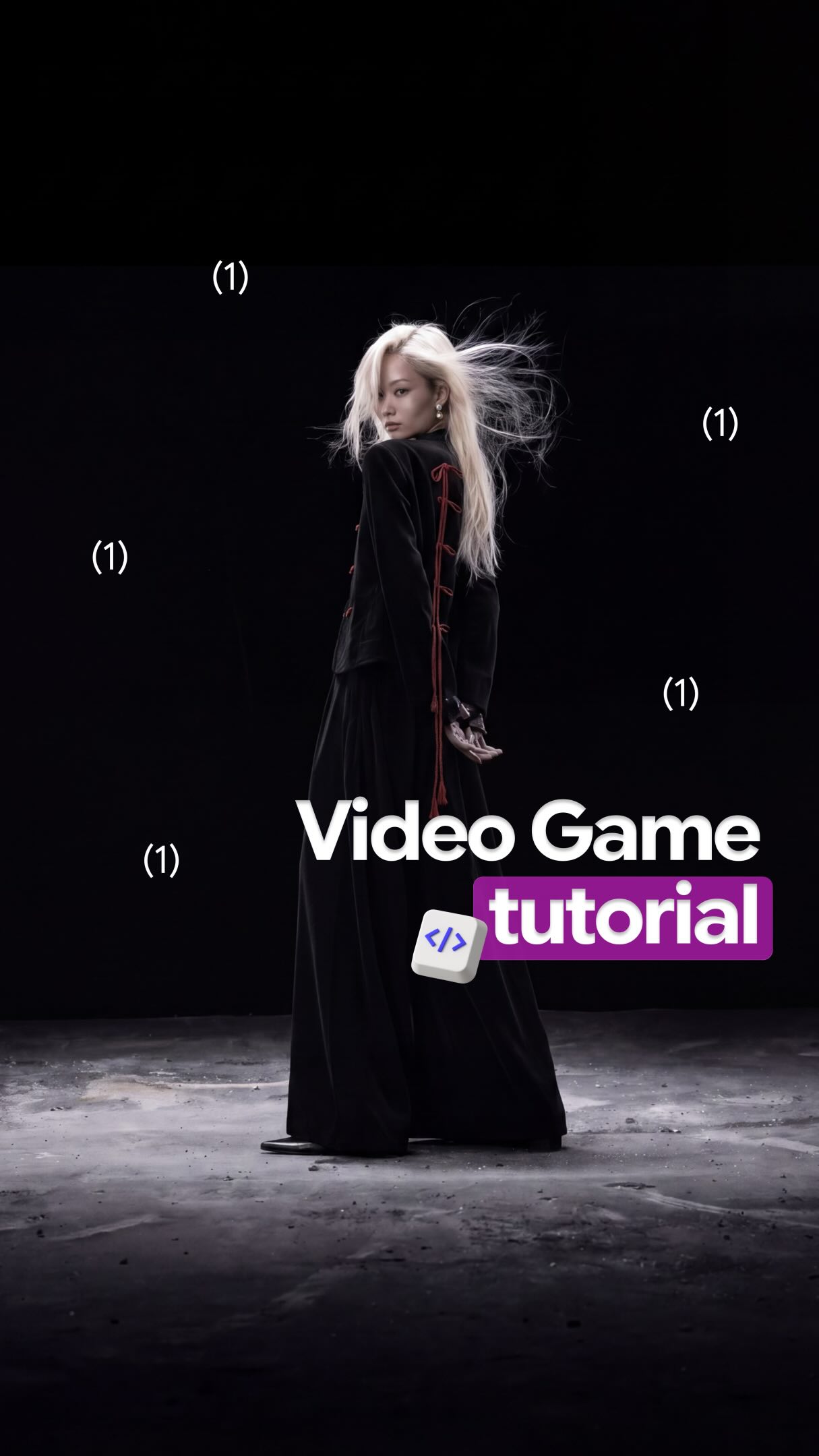
A woman shows how to make a cool video game menu screen using artificial intelligence tools on a phone.
658Kviews
58Klikes
8.5Kcomments
17Kshares
22Ksaves
180Kfollowers
30slong
8.8%liked
hookViewers stop scrolling to see a woman transform into a dark video game character.
Bold look. A blonde woman stands near a bright window in a black shirt.
Big text. Numbers count down over text about turning into a game loading screen.
Background sound. Original audio plays quietly while big text flashes on screen.
Wide appeal. Video games and cool art edits appeal to millions of people.
retainViewers keep watching to see the step by step tutorial for making the video game menu.
Cool result. The clip starts with a cinematic game main menu starring the creator.
Step by step. She shows her phone screen so viewers can follow every tap.
Clear speech. She talks directly to the camera while holding a small microphone.
Steady pacing. There are 9 shots in 29.5 seconds, with a new shot about every 3.3 seconds.
Simple props. A tiny microphone and phone screen keep the tutorial simple.
rewardViewers walk away with a simple method to turn their own photos into animated game screens.
New skill. Viewers learn how to use phone apps to make animated game art.
Fun inspiration. Viewers feel inspired to make their own custom game character screens.
Clear action. Viewers know to comment on the post to get the exact prompt.
kareema yertargynai video generatorvideo game menudark fantasyphone tutorialseedanceloading screencontent creationdigital artcustom animationsocial media guidetext to video
This is how you can create a video game loading screen in seconds, using Seedance 2.0! 👾 Comment “GAME” and I’ll send you the detailed guide 🎮 #videogameloadingscreen #trend #ai #korean