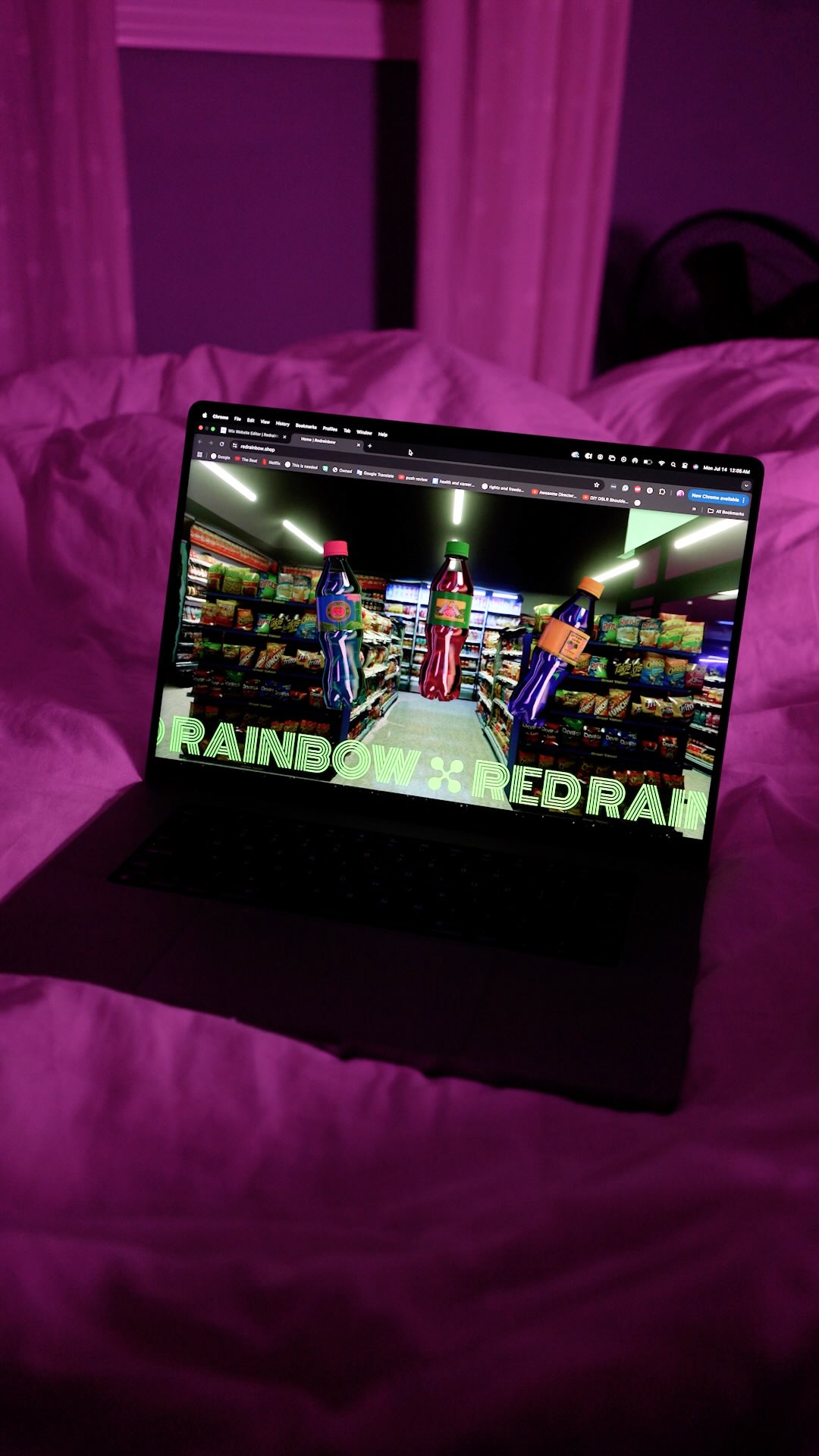
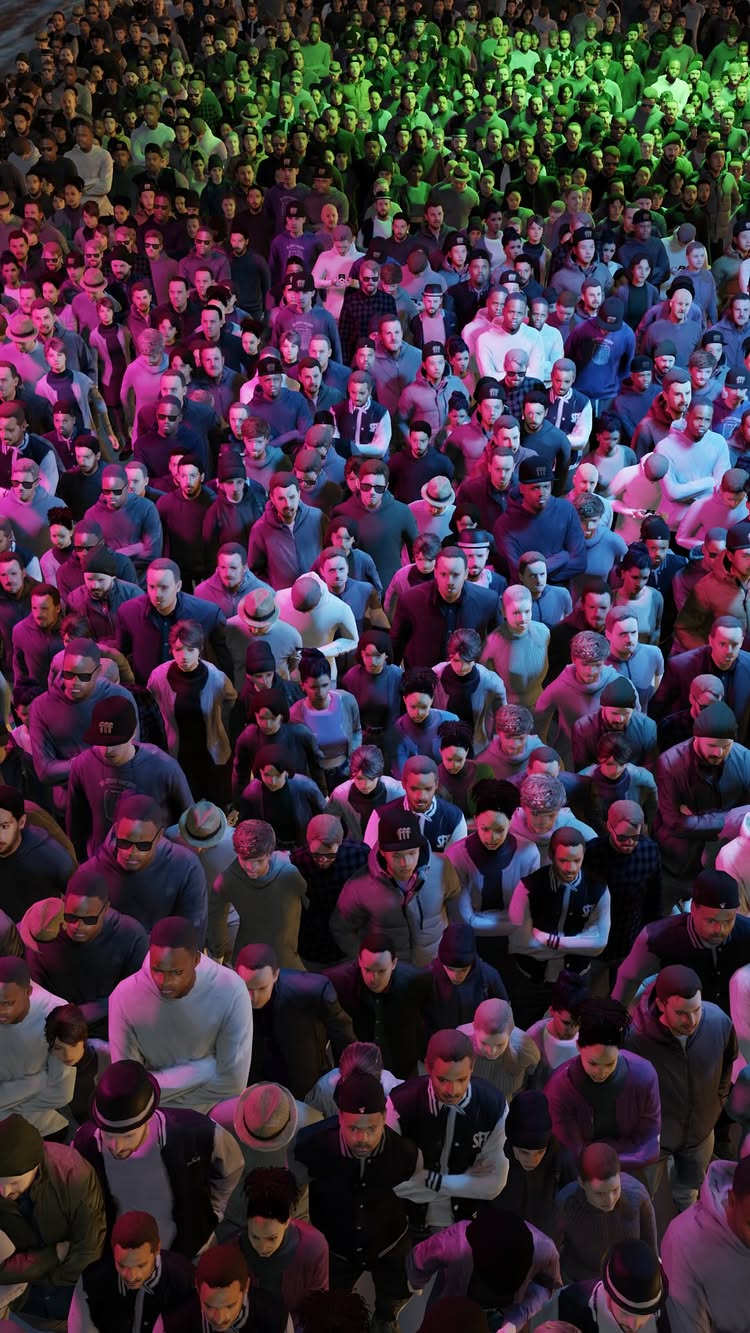
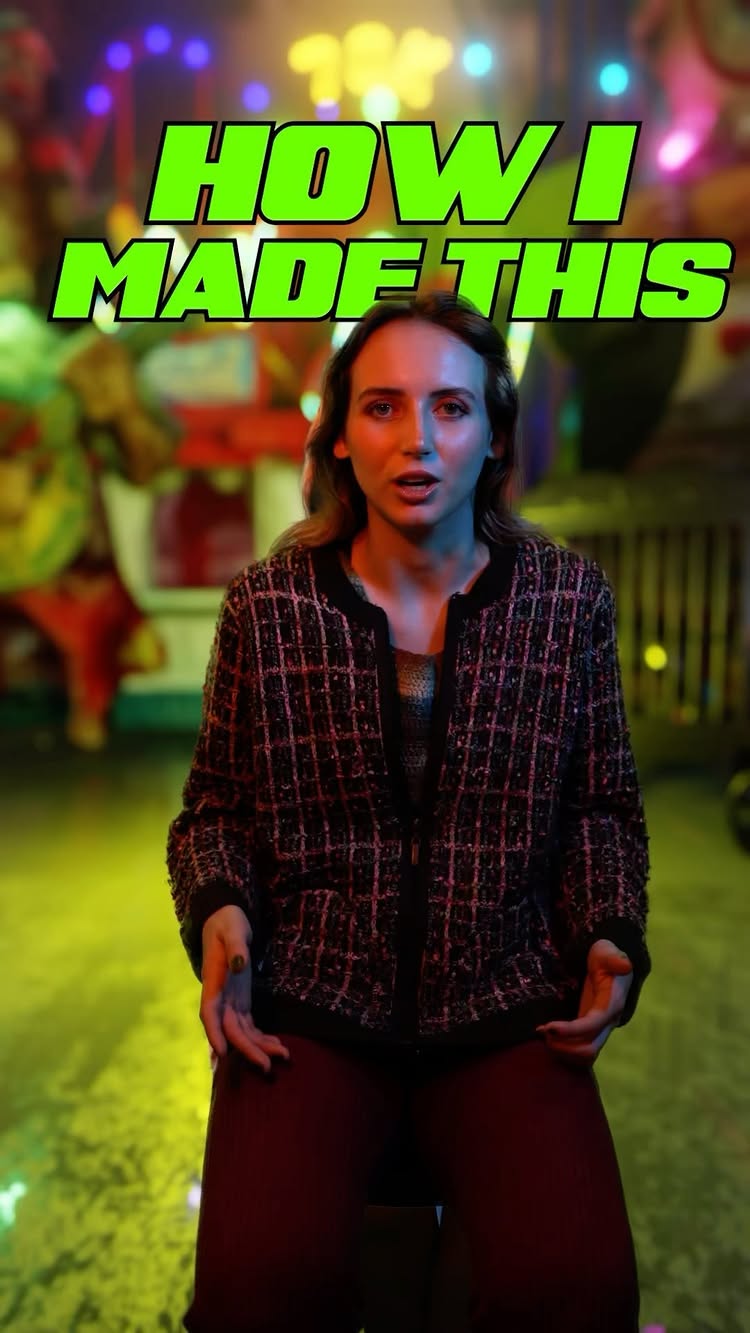
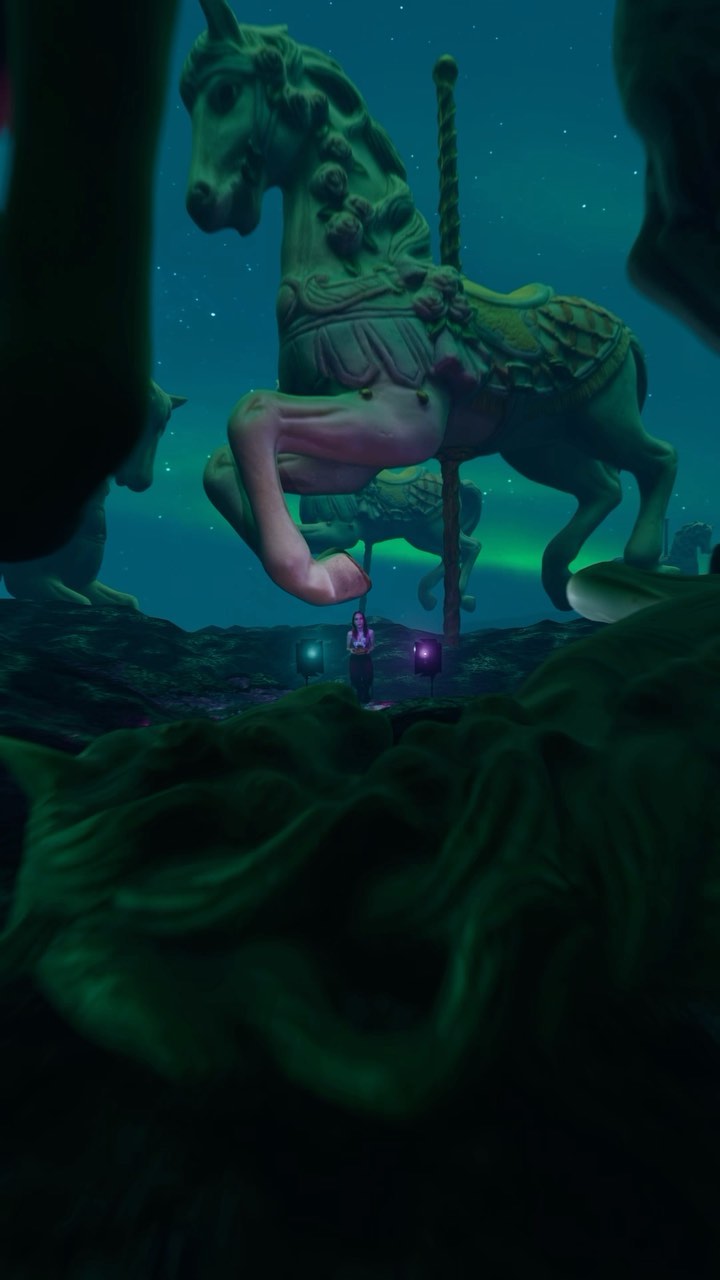
To anyone who wants to tell me that the people are too small, I did that on purpose. 🤡 This is a very quick behind the scenes look at the process behind creating my last VFX heavy short. I am pretty much a beginner in Blender and After Effects. I try to learn as I go and dependant on what I need for the project I am currently working on. For 3D scanning I used the Polycam app on my iPhone, it makes it super easy to create realistic 3D models of real world objects. I’m obsessed. The plug-in i used to create a huge crowd is called Procedural Crowds, it’s very cool and makes it super easy. Honestly, everything I did is pretty basic and preliminary as far as the potential of Blender so if you want to learn Blender and After Effects workflows, just know that it doesn’t take as long as you make think #blendertutorial #vfx #vfxtutorial #Blender3d #videoedinting #progress #Blenderprogress
A woman explains how to turn a real object into a digital 3D model using phone and computer apps.
1.8Mviews
88Klikes
301comments
0shares
0saves
297Kfollowers
44slong
5.0%liked
hookA woman holding a small toy horse instantly shrinks inside a giant digital fantasy world.
Visual presence. A young woman with pink hair holds a small carousel horse against a dark glowing scene.
Lighting and scene. Soft green and purple lights glow in a surreal night space.
Sound design. Calming music plays behind her clear voice.
Onscreen captions. Bright green text appears at the bottom of the screen.
Universal appeal. Anyone interested in digital art or video creation wants to learn this trick.
retainClear steps show the exact screen views and real actions needed to copy the effect.
Useful guide. The tutorial gives practical steps that anyone can try for free.
Show and tell. She records herself taking photos outside and then shows her computer screen.
Calm tone. The creator speaks clearly and calmly without rushing.
Shot count. The video uses 16 shots in 43.8 seconds with a new shot every 2.7 seconds.
Key prop. The wooden horse connects the real world to the digital environment.
Easy steps. The lesson moves cleanly from app selection to photography to final software.
Good length. The concise running time fits the simple lesson perfectly.
rewardViewers learn a simple method to turn real objects into digital 3D models.
Taught something. Viewers learn how 3D photo scanning works in plain steps.
Creative spark. People feel excited to scan their own toys and items.
Simple method. Viewers see that 3D design does not require complex tools.
Empowered feeling. Anyone with a phone or computer feels ready to try it.
hallie tut3d modelingphotogrammetry tutorialphoto scan appphotocatch tutorialblender 3d tutorialdigital art tutorial3d scanning tutorialmake 3d modelcomputer graphics help
This is how I create 3D models out of real life objects. This technique has been around forever. It’s called Photogrammetry. My favourite app to use is called PhotoCatch on my desktop because it’s free, I think there is also a mobile version but I’ve never used it. For mobile, Polycam is cool too, but it’s paid after your first 5 renders. I use Blender for my 3D work. There’s tons of great tutorials on YouTube about Blender and Photogrammetry if you want to learn more. #blender3d #photogrammetry #3dscanning #3Dmodeling #polycam #photocatch #blenderrender #3Dart #vfx #3denvironment #3dmodel
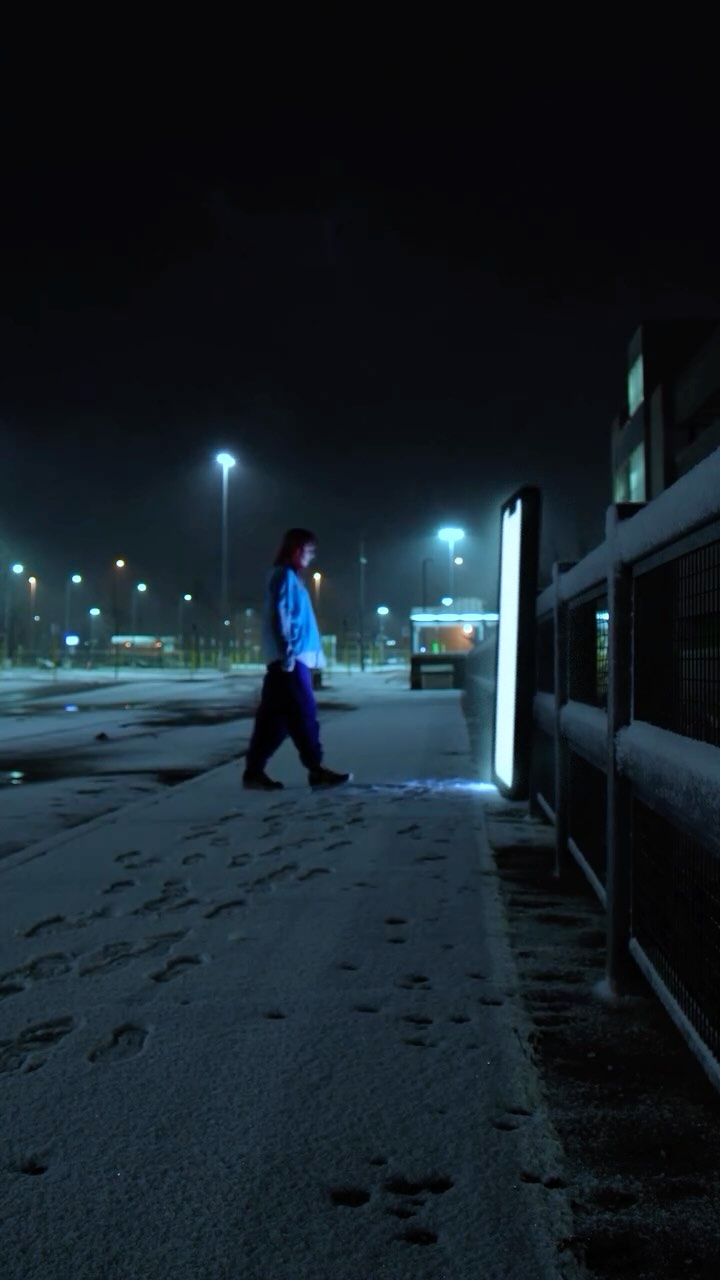
A surreal short film recaps popular viral videos and trends from 2020 using visual effects.
1.3Mviews
105Klikes
383comments
0shares
0saves
297Kfollowers
47slong
8.4%liked
hookThe opening close-up of a phone screen displaying a famous viral video immediately grabs attention.
Visual hook. A close-up shows a phone screen playing a famous viral video in a dark room illuminated by blue light.
Lighting and mood. Dark blue lighting creates a mysterious and dreamlike mood right away.
Audio setup. Fast internet music plays directly from the phone before switching to quiet ringtones.
Broad appeal. Internet culture and viral trends appeal to almost everyone who spends time online.
retainVisual effects and a strange journey through popular internet clips keep viewers watching to see what happens next.
Surreal idea. The video turns late night phone scrolling into a strange adventure with giant angels and portal billboards.
Visual story. Everything is shown through visual effects and movement rather than explained with spoken words.
Acting and mood. The main actor plays a sleepy person who gets pulled into a strange digital world.
Shot pacing. The video uses 11 shots in 47.2 seconds, with a new shot arriving about every 4.3 seconds to build a mystery.
Key props. The phone and glowing billboard act as doorways that drive the entire journey forward.
Easy structure. The path from the bed to the snowy street to the portal makes the weird visual effects easy to follow.
Ideal length. The 47.2 second runtime gives enough time to showcase multiple visual effects without dragging.
rewardViewers walk away entertained by clever visual effects and nostalgic for famous internet moments.
Nostalgic feeling. Seeing classic internet trends brings back strong memories of that year.
Visual amazement. Clever visual effects like giant angels and floating video portals spark creative ideas.
Fun entertainment. The strange and dreamlike journey offers a fun escape from normal scrolling.
hallie tutvisual effectsvfx short film2020 recapviral trendstiktok recapvideo editingsurreal short filmdigital artcreative editinginternet culturenostalgiadreamlike video
What have I created…? I made this 5 years ago at the end of 2020 as a way to recap everything I made as well as everything that was popular that year… idk how much sense it makes now but it was a lot of fun at the time… #filmmaking #shortfilm #vfx #vfxartist #aftereffects #filmtok
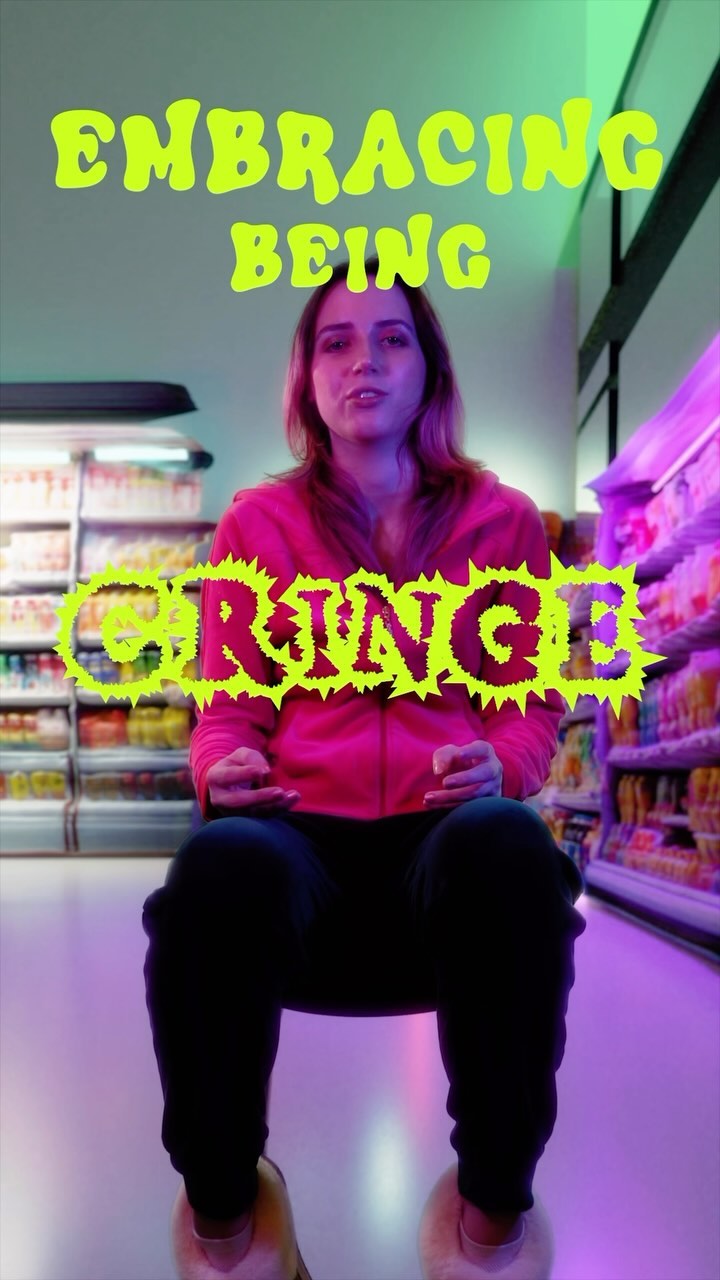
The videos are on my YouTube (link in bio), but please note they were made to be BAD and with the idea that nobody would be watching them. I intend to start making better videos on YouTube soon. #Blender3d #cringetiktok #cringememes #filmmaking #youtubechannel #youtubevideo #3dart #filmmaker #diyfilmmaking #diyfilm
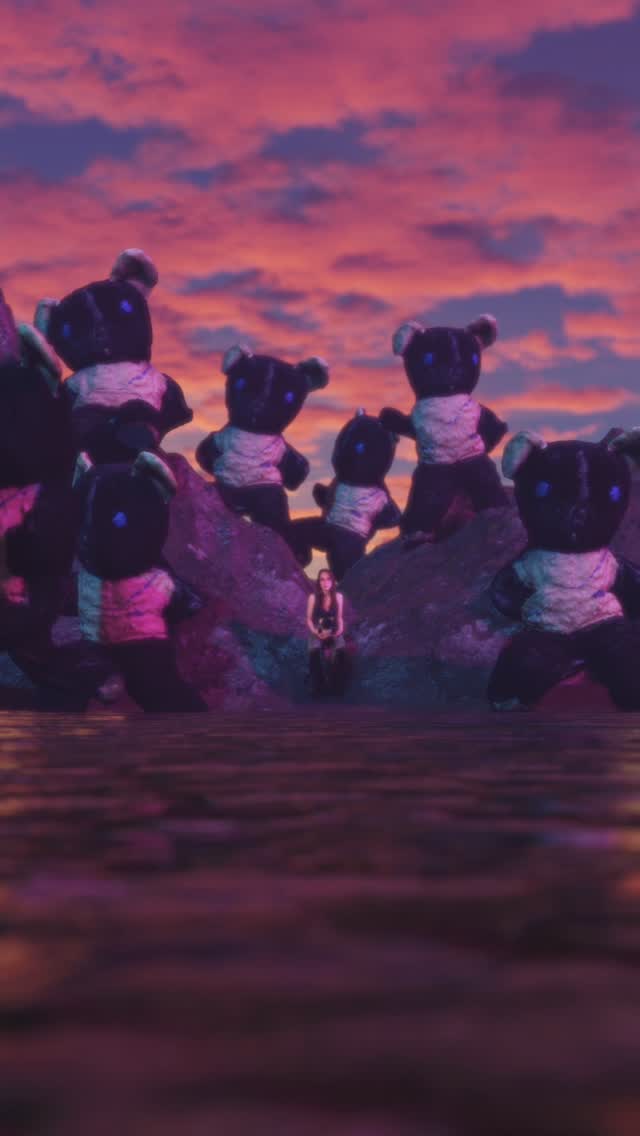
A creator shows how to turn a real stuffed animal into a 3D animated character on a computer.
631Kviews
40Klikes
201comments
0shares
0saves
297Kfollowers
50slong
6.3%liked
hookThe clip grabs attention instantly by showing a real teddy bear turn into an army of dancing 3D bears.
Cool visual style. A person sits in a moody purple room holding a small teddy bear.
Surprising twist. The scene cuts to giant versions of the same teddy bear dancing in a 3D world.
Bold text style. Bright green text reads this is how to promise a step by step guide.
Wide appeal. Anyone who wants to make cool video effects or 3D art will stop to watch.
retainViewers stay until the end because the tutorial is fast, simple, and shows the finished result.
Simple steps. The creator explains each step from taking photos to animating in software clearly.
Show and tell. Screen recordings show the exact software buttons and process in real time.
Pacing control. The video has 11 shots in 49.6 seconds, changing shot about every 4.5 seconds.
Essential props. The real stuffed animal on a stool is the core object for the whole tutorial.
Clear progress. The story follows a simple path from photo taking to final animation.
rewardThe viewer learns how to turn real objects into 3D animations using software.
Taught something new. Viewers learn about photogrammetry and how simple taking photos of an object is.
Inspired to create. Watching the bear come to life makes people want to try 3D software themselves.
Satisfying result. Seeing the finished scene with multiple dancing bears gives a fun payoff.
hallie tut3d animation tutorialphotogrammetry guideblender softwaremixamo animationcomputer graphicsvfx breakdownphoto scanningteddy bear 3d modeldigital art tutorial3d scanner app
Turn anything into 3D. This is still my favourite technology I use in my work. If you are interested in learning more about this look up “photogrammetry” on YouTube for more in depth breakdowns of the process. It is quite simple overall! #photogrammetry #3Dart #3danimation #filmmaking #vfx #Blender3D #vfxbreakdown #Blender #vfxartist #3dart
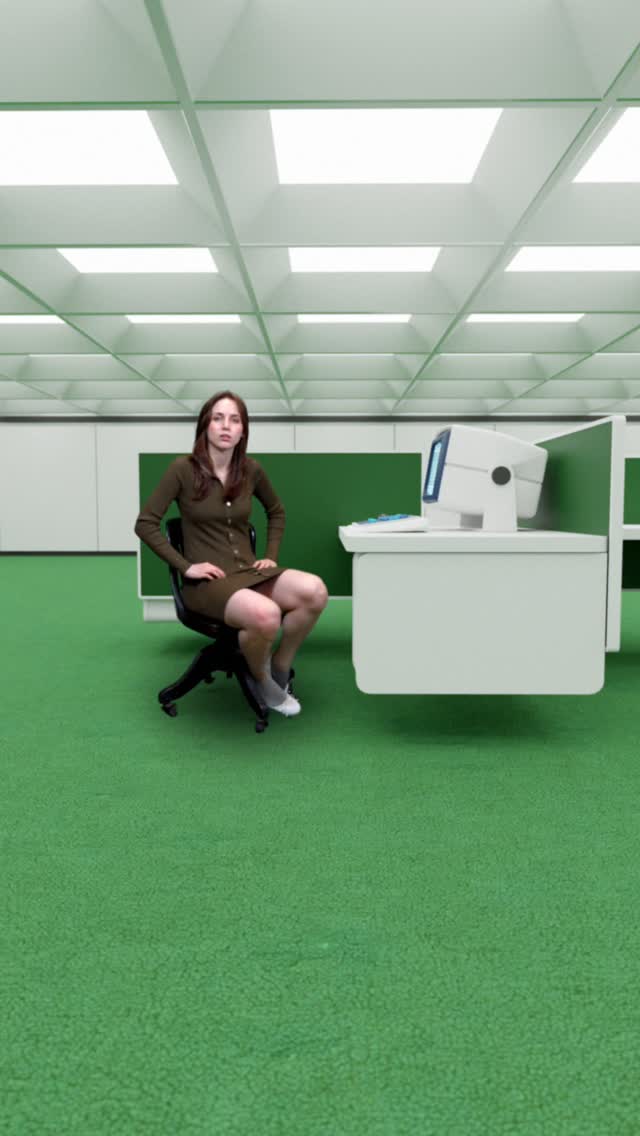
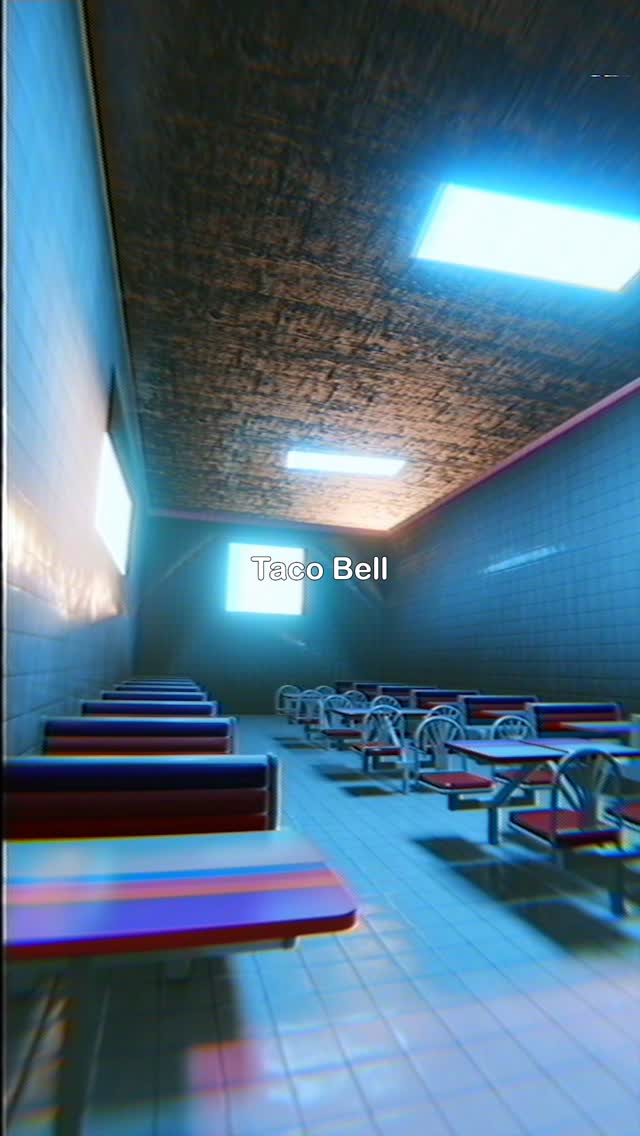
I am devastated. I walked into this establishment and looked up at the menu only to realize the Taco Bell side had vanished. It’s only a matter of time until the interior is gone too. So hear is a montage of some of my work inspired by this magical place. #liminal #liminalspaces #3dart
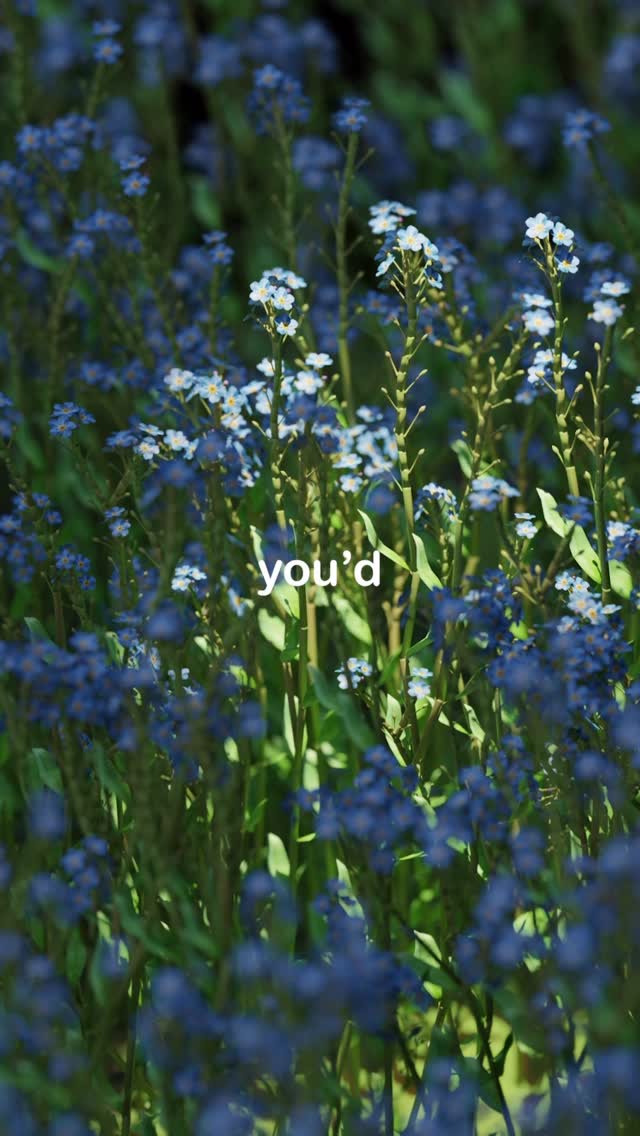
A digital artist shows how she creates realistic 3D models of forget-me-not flowers in Blender and offers them to viewers for free.
463Kviews
74Klikes
325comments
0shares
0saves
297Kfollowers
38slong
16.1%liked
hookThe video grabs attention by mixing a peaceful walk through blue wildflowers with a mystery about an art project.
Person in nature. A woman in a lime shirt and shorts walks through blue flowers in a sunny forest.
Calm music. Gentle guitar music plays in the background to set a relaxed tone.
Curious text. Bold words on screen talk about flowers with a strange name.
Broad appeal. Nature walks and creative crafts appeal to a wide audience.
retainViewers keep watching to see how real flowers are turned into 3D models step by step.
Step by step. The artist shows how the stem, leaves, and petals are built inside the software.
Regular edits. The video uses 15 shots in 38 seconds to move through each stage of the project.
Satisfying reveal. Seeing thousands of digital flowers scatter across a virtual ground looks clean and neat.
Free gift. The offer of free 3D models at the end gives viewers a reason to stay.
rewardViewers feel inspired to create digital art and excited to claim free flower models.
Creative spark. Viewers feel motivated to try 3D modeling or start their own craft projects.
Free resource. 3D artists get assets they can download and use in their own work.
Calm feeling. Peaceful music and bright flowers leave the viewer feeling relaxed.
hallie tut3d modelingblender tutorialforget me notwildflower 3d assetdigital art creationfloral designrender processfree 3d modelflower sculpturenature art3d artist
Get these flower models for free! Just comment “blue” and I’ll send you the link! #blender #blender3dart #3dmodelling #forgetmenot