all creators

Daniil • UX/UI Design & AI

@filatov.design · web design, ai tools

open on instagram

✦ Turning ideas into masterpieces ✺ Sharing useful tools, cool tips & AI tutorials → Collabs: hellofilatov@gmail.com

http://try.grok.com/filatov

276K followers
4 reels read
60.8x best outlier
33.5x typical
5.4M views in here
13 Sept 2025 newest

how they make thembroad audience, fast video edits, broad appeal, right length, cool desk setup, chill background sound, bold text hook, useful website tips

daniildesign toolsfigma tutorialproductivity tipswebsite builderux designweb designdaniil filatovfree fontstypographygraphic designfont shareuncut fontsfree faceswebsite recommendationscreative resourcesdesk setupdesign tipswebsite designframer guideno code web designweb developmentui ux designerdigital creation

4 reels in the database, most viral first

1

@filatov.design Daniil • UX/UI Design & AI · 7 Jan 2025

60.8x outlier

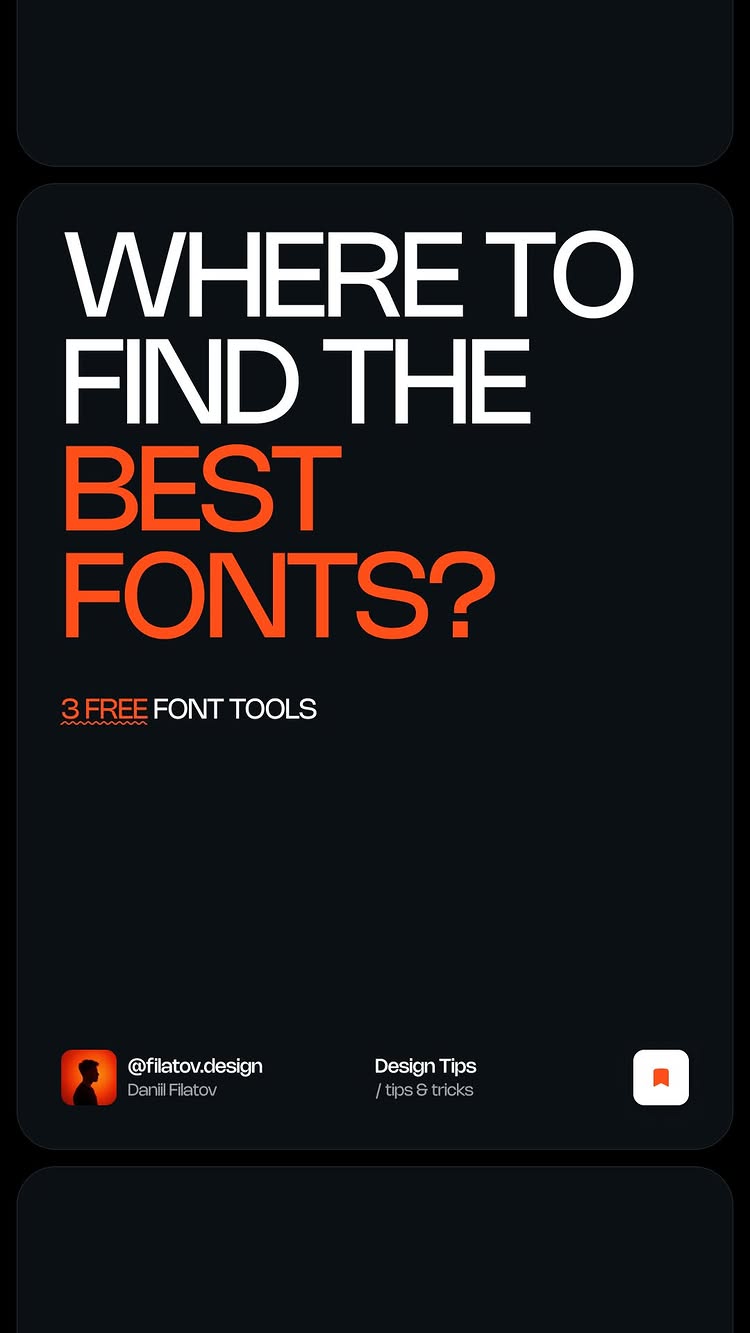
A designer shares three useful websites to help you find free fonts for your creative projects.

2.4M views
128K likes
28K comments
0 shares
0 saves
276K followers
31s long
5.3% liked
hookA creator at a glowing desk promises to show three font tools that improved his work.
  • Cool desk setup. A designer sits at a sleek desk lit up with moody blue and red lights.
  • Chill background sound. Upbeat beat music plays instantly.
  • Bold text hook. Onscreen text says I improved my designs with these three font tools.
  • Broad audience. Anyone who creates graphics or videos will want to see these free resources.
retainFast screen recordings showcase three font sites before offering a free font pack in the comments.
  • Useful website tips. The video shows real websites that offer free high quality fonts.
  • Fast video edits. There are 19 shots in 31.4 seconds, so the visual stays fresh.
  • Simple presentation. Each site is named and demonstrated on screen one after another.
  • Free pack offer. The creator asks viewers to comment to receive a 50 font bundle for free.
rewardViewers walk away with three valuable font websites and a chance to get a free font pack.
  • New resources. Viewers learn about Free Faces Gallery, Fontshare, and Uncut.
  • Saved money. Viewers find out how to get modern typefaces without paying expensive fees.
  • Free download opportunity. Viewers feel encouraged to comment and grab a bundle of 50 fonts.
daniildaniil filatovfree fontstypographygraphic designdesign toolsfont shareuncut fontsfree faceswebsite recommendationscreative resourcesdesk setupdesign tips

👇🏻 Comment “Fonts,” and I’ll send you my exclusive pack of 50 unique fonts, from graffiti to elegant styles — ideal for any project! Struggling to find the perfect fonts for your designs? In this video, I’m sharing 3 amazing tools to help you discover stylish, modern, and unique typefaces for all your creative projects: Free Faces Gallery: A curated collection of high-quality, free fonts with easy-to-use filters like “Sans Serif” to find exactly what you need. Fontshare: A platform offering a wide range of free, stylish fonts—perfect for websites, branding, and more. Uncut: A bold and unconventional collection of different fonts that will make your designs stand out. 🚨Don’t forget to follow for more design tips, tools, and inspiration!

watch on instagram
2

@filatov.design Daniil • UX/UI Design & AI · 1 Feb 2025

53.8x outlier

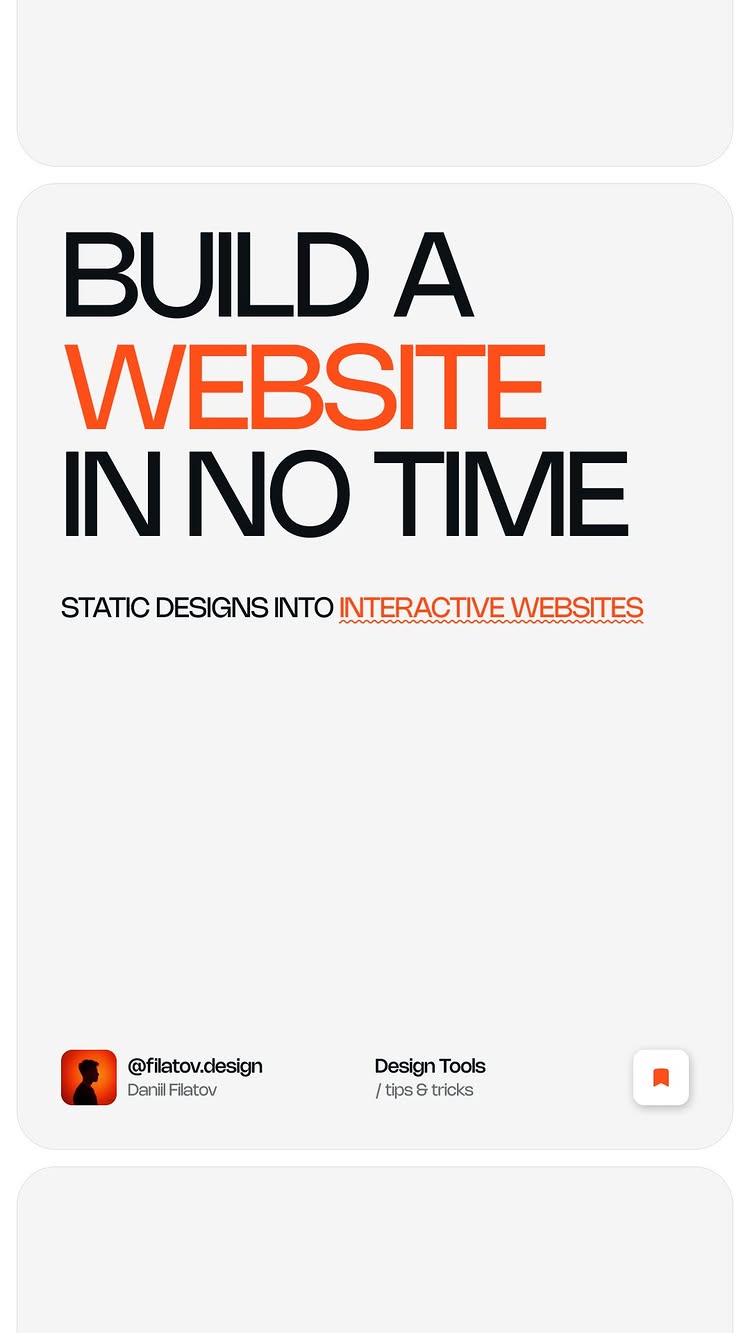
A designer shows how to turn web designs into real websites in minutes without coding.

2.1M views
102K likes
37K comments
0 shares
0 saves
276K followers
51s long
4.8% liked
hookThe creator promises to save hours of hard work with a simple trick.
  • Visual setting. A person sits at a dimly lit desk with a purple glow and clean screens.
  • Relatable topic. The opening line says making websites used to take hours but now takes minutes.
  • Bold captions. Big text across the screen highlights the key words in simple language.
  • Broad audience. Anyone who wants to make websites easily will stop to watch.
retainThe screen recordings show every step clearly so anyone can follow along.
  • Useful workflow. The video teaches a simple way to move designs straight into a live website builder.
  • Clear step-by-step. Screen clips show exact buttons to click and plugins to use.
  • Steady pacing. The video has 22 shots over 51.2 seconds, switching between the creator and computer screens.
  • Cool tools. Seeing web elements copied straight from live websites feels like magic.
  • Strong call to action. Promising free design files in the comments makes viewers want to respond.
rewardViewers learn how to build websites without knowing how to code.
  • New skill learned. Viewers discover a tool that turns designs into live websites.
  • Time saved. Viewers feel inspired to build projects much faster than before.
  • Free resources. Viewers learn they can get links and design files by commenting.
daniilwebsite designfigma tutorialframer guideno code web designweb developmentui ux designerproductivity tipsdesign toolsdigital creationwebsite builderportfolio tips

👇🏻 Comment “Framer” and I’ll send you my all the links and design file to streamline your Figma to Framer workflow—a must-have resource for designers looking to create interactive prototypes efficiently. In this video, I’ll share my top tools and techniques for: ✅ Transferring designs from Figma to Framer with ease. ✅ Incorporating real-world UI elements using the HTML to Framer Chrome extension. ✅ Launching fully interactive prototypes without manual coding. Follow for more expert tips and AI tools to elevate your design projects! 🤓

watch on instagram
3

@filatov.design Daniil • UX/UI Design & AI · 13 Sept 2025

13.3x outlier

A designer shares three useful tools for Figma that help build mockups, design systems, and visual effects fast.

525K views
24K likes
4.1K comments
12K shares
33K saves
276K followers
45s long
4.6% liked
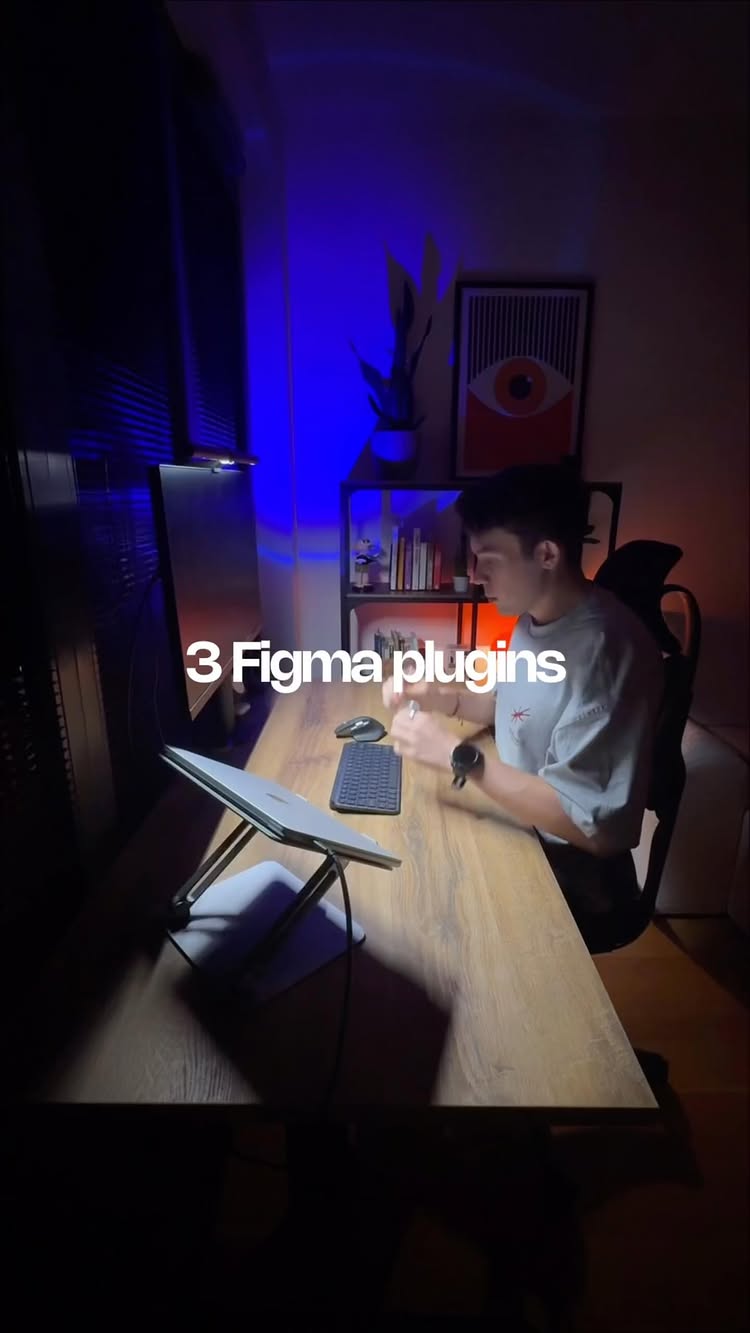
hookA designer opens his laptop in a dark room with cool blue lighting while promising three helpful design tools.
  • Person on screen. A young man sits at a wood desk in a cozy dark room.
  • Lighting and mood. Bright blue backlight and a glowing screen grab immediate visual attention.
  • Audio and voice. Clear voiceover speaks over quiet background music.
  • Bold text overlay. White text states three Figma plugins every designer should know about.
  • Broad appeal. Anyone who creates websites or apps wants faster ways to build high quality work.
retainFast screen recordings clearly demonstrate how each tool works step by step.
  • Useful demonstration. The video shows real computer screens so viewers see how simple each tool is.
  • Fast video edits. The video uses 23 shots across 44.5 seconds, cutting about every 1.9 seconds to keep energy high.
  • Clear breakdown. The clip presents three distinct tools one after another with clear text headers.
  • Showing not telling. Real design clicks on screen prove how much time each plugin saves.
  • Right length. The 44.5 second runtime fits three quick tool summaries without extra filler.
rewardViewers learn about three helpful software tools that speed up digital design work.
  • Learned new tools. Viewers find three useful plugins to upgrade their design software.
  • Saved time. Viewers discover ways to automate tedious design tasks in seconds.
  • Inspired to create. Viewers feel motivated to try new visual effects and mockups in their projects.
daniilux designui designfigma pluginsdesign toolsweb designapp designvisual mockupsdesign systemeffect appproductivity tipssoftware tutorialdesign workflowfigma tutorial

💬 Comment Plugins and I’ll send you the links to install them today. 🚀 3 Figma plugins every designer should know about If you’re building websites, apps, or presentations in Figma — these plugins will save you hours and make your work look way more professional 👇 ✨ Visual Mockups – Stop pasting screenshots into Photoshop. With Visual Mockups, you can instantly showcase your designs in realistic, high-quality displays. Perfect for client presentations, case studies, or your portfolio. Just pick a frame, click Create, and your concept comes to life. ⚡️ Kigen – Setting up a design system from scratch can be a nightmare. Kigen generates variables, styles, and tokens in just a few clicks. Colors, typography, spacing, and even documentation are all ready for you. This means faster handoff, cleaner projects, and no messy inconsistencies. 🎨 Effect App – Add stackable, real-time effects directly inside Figma. From halftones and noise to retro screens and RGB shifts — you can layer, reorder, and tweak until it’s perfect. It’s ideal for creating unique visuals, standout presentations, or just giving your work a creative edge. 💡 These plugins help you: • Save time on repetitive tasks • Impress clients with polished visuals • Keep your projects consistent and professional • Add creativity without leaving Figma ⸻ #Figma #FigmaPlugins #UIDesign #UXDesign #WebDesign #GraphicDesign #DesignTools #DesignTips #UXUIDesign #FigmaCommunity #DigitalDesign #CreativeWorkflow #DesignSystems #ProductDesign #DesignerTools

watch on instagram
4

@filatov.design Daniil • UX/UI Design & AI · 9 Sept 2025

10.1x outlier

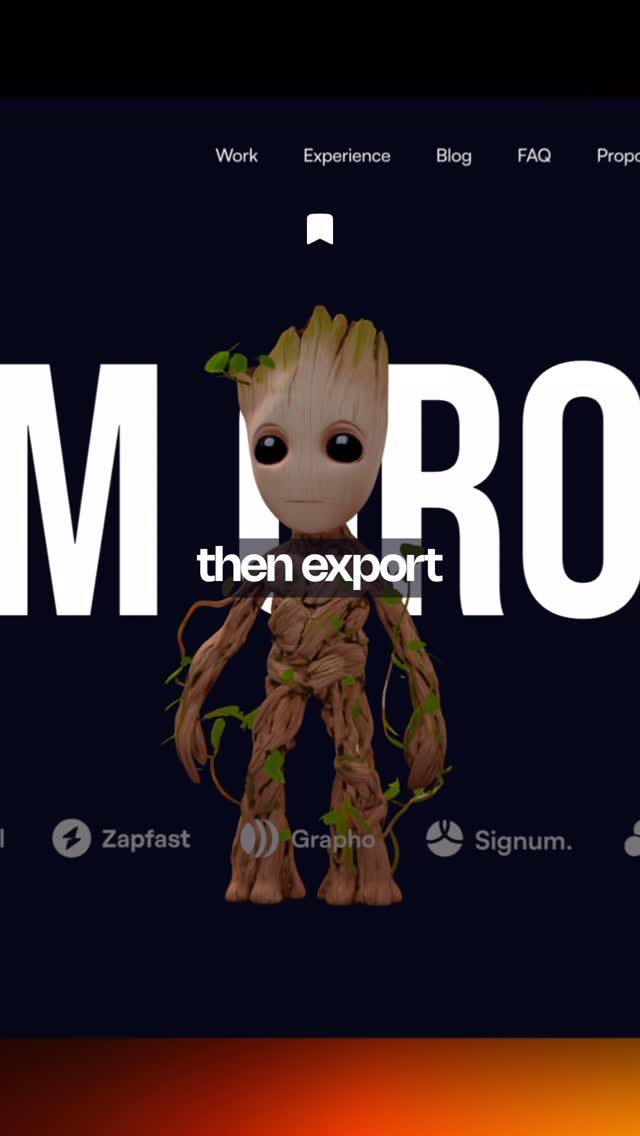
A creator shows how a website uses AI to turn any flat picture into a moving 3D model.

398K views
7.1K likes
1.6K comments
7.9K shares
7.9K saves
276K followers
58s long
1.8% liked
hookThe video opens with a bold promise to make 3D models out of regular pictures.
  • Creator look. A young man in a black shirt points to text on screen.
  • Setting and light. A dark room lit by blue and purple lights gives a modern tech feeling.
  • Background audio. Upbeat background music plays quietly behind the creator voice.
  • Screen text. Big white text says turn any image into a 3D model.
  • Broad appeal. Anyone interested in AI, art, or building websites will want to watch.
retainPeople watch until the end to learn the steps and see the final animated character on a live website.
  • Useful idea. The tool turns simple images into editable, animated models.
  • Show not tell. Live screen recordings show every click and result in real time.
  • Clear host. The creator speaks clearly and guides the viewer calmly.
  • Pacing speed. 20 shots across 57.8 seconds keep the tutorial moving well.
  • Key props. A laptop and large computer monitor display the step-by-step work.
  • Easy path. The video follows a clear order from uploading a photo to exporting.
  • Right length. Under a minute is just enough time to show the main features.
rewardViewers learn about a fast 3D creation tool and feel excited to try it.
  • Taught something. Viewers discover a easy way to build 3D objects with AI.
  • Inspired to build. Seeing a character move makes people want to create their own.
  • Satisfying result. The final 3D character reacts to mouse movements on a web page.
  • Clear next step. Viewers know how to comment to get the link sent directly to them.
daniilux designai tools3d modelingweb designtripo3dtutorialtechdigital artcharacter designanimationwebsite buildersoftware reviewartificial intelligenceonline tools

👇🏻Comment 3D and I’ll DM you the link to try it free! Turn any image into a high-quality 3D model in seconds — right in your browser. 🚀 With Tripo3D, you can: ⚡️ Upload a photo, sketch, or reference image. ⚡️ Use powerful models like Google’s Nano-Banano to generate the exact reference you need. ⚡️ Click Generate and literally watch AI transform it into 3D. ⚡️ Preview your model live on the canvas. ⚡️ Export in multiple formats and use it anywhere — in games, design projects, or even interactive websites. I even placed my Groot model into a site as a 3D element that reacts to mouse movement. 🚀 Join the Tripo 3.0 Creative Journey! The first 300 sign-ups via my invite link will get +500 bonus credits to generate models. 💡 Want to unlock full member functions? Use my exclusive code FILATOVDESIGN and get 60% OFF your first month of Tripo Professional Membership Plan. ✨ Fast, precise, and production-ready — Tripo3D is built for creators who want results, not demos. —— #Tripo3D #AI3D #3Dmodeling #AItools #DesignTools #FutureOfDesign #NanoBanano #AIworkflow

watch on instagram